
2.3 Home Page
The home page is the first page that opens after you log in to the system. It provides a list of all system modules displayed as tiles.
You can open it at any time while working with the system by clicking the nv.design logo in the upper-left corner of the system window.
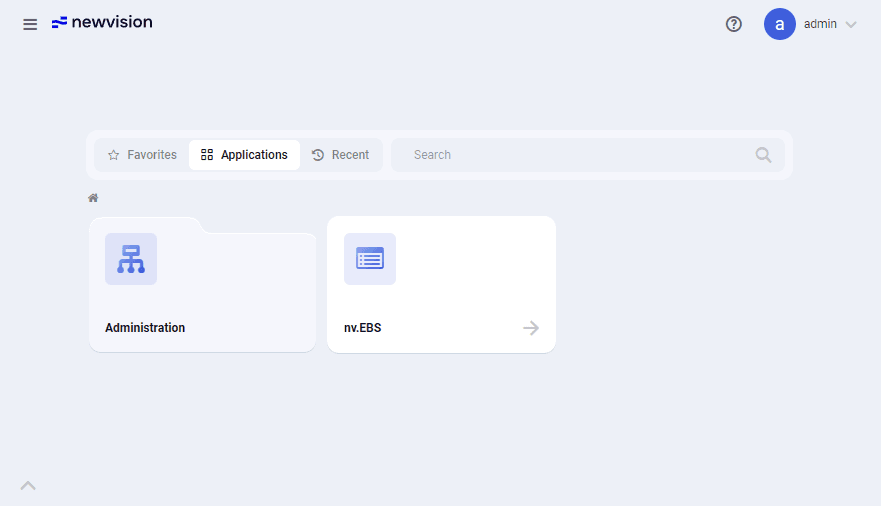 Select image to enlarge
Module tiles are organized in three tabs:
-
Favorites: Modules that you added to your favorites. To add a module to favorites, click the star icon (
 ) that appears in the upper-right corner of its tile when you hover over it. To remove a module from favorites, click the star icon (
  ) again.
 -
Applications: All system modules available to you.
-
Recent: Modules that you opened recently.
To open a module, click the corresponding tile in the tile menu or use the main menu (  ) instead.
To close a module, click the cross icon (  ) in the right part of the corresponding tab in the tab bar.
For details on the system navigation, see System Interface.