
B3. Generating Reports
After all the well design parameters are configured, the system automatically generates the following reports:
- Summary report : Provides a simplified layout of the well with summary data on the well and production equipment parameters. For details, see Summary.
- Detailed report : Accumulates the input data and calculation results from all the module sections. You can customize the report by showing or hiding specific report sections. For details, see Detailed.
To open a report, in the left part of the module working area, click the desired report name at the bottom of the section list.
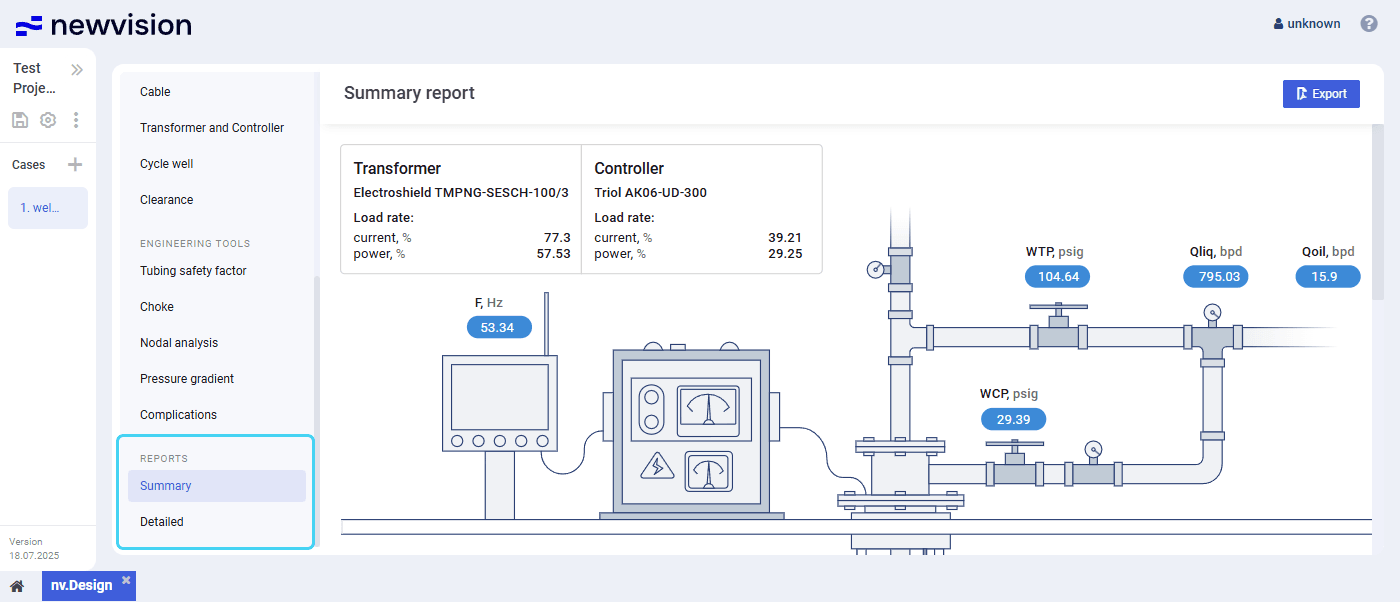 Select image to enlarge
To export or print a report, in the upper-right corner of the report, click Export (  ) , and then, in the standard browser window, select the desired action.
The Detailed report can also be exported to XLSX. To do this, in the upper-right corner of the report, click Download (  ) .
) .
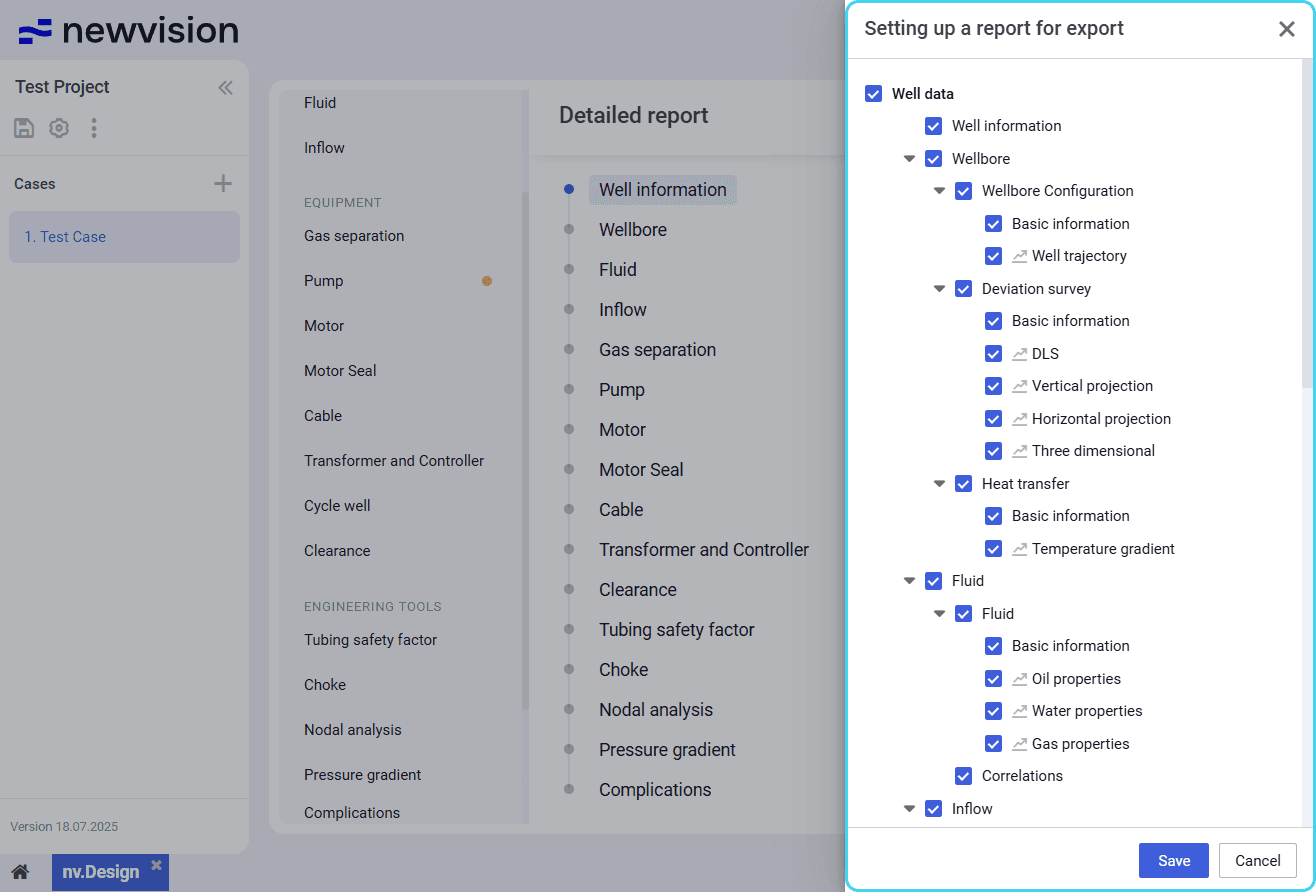
To configure the Detailed report structure, in the upper-right corner of the report, click Customize (  ) , and then, in the window that appears, select and/or clear check boxes of the sections that you want to show or hide in the report.
 | Note Changes in the report configuration affect only the PDF export. Reports exported to XLSX contain all sections, including those that were hidden. |
 Select image to enlarge