3.1 Logging In
To access newvision, perform the following actions:
In your web browser, enter the system URL.
The login window appears.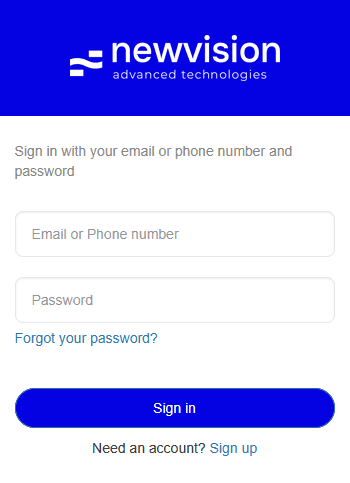 Select image to enlarge
In the login window, enter your email or phone number and password.
Scroll horizontally to view a wide table.
Note
If you were not provided with the account credentials, contact your system administrator.Click Sign in.
If the entered credentials are valid, the system home page opens. For details, see Home Page.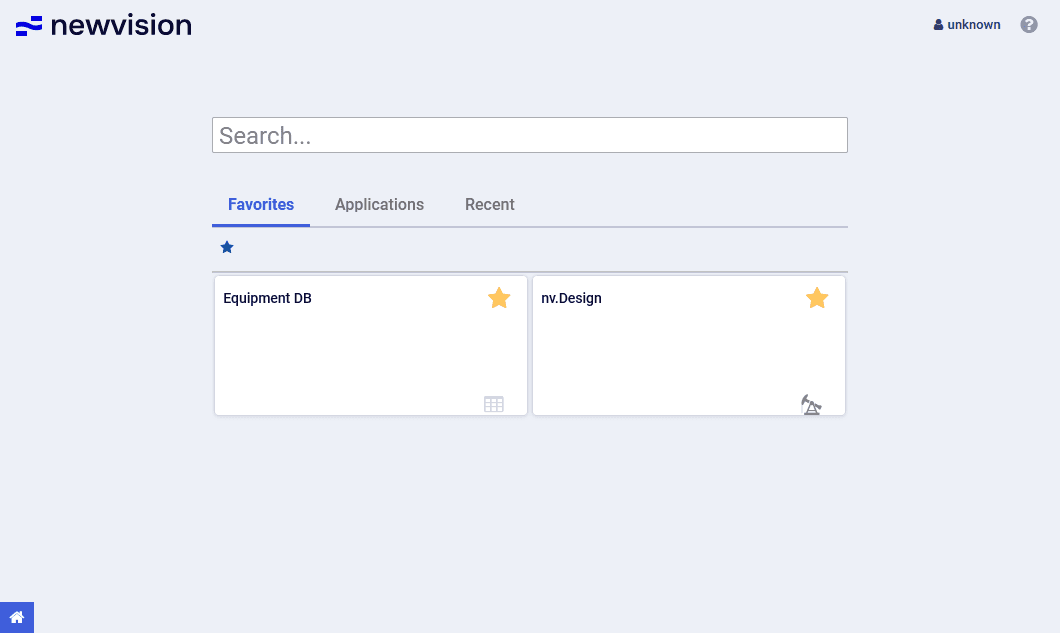 Select image to enlarge