
Adding Wells
nv.AIM MBAL supports forecast calculations using wells. nv.AIM MBAL does not distinguish between a historical well and a forecast well — all required data is contained in a single well. Production history, relative permeability, and IPR are specified for the well to run forecast calculations.
To add a well, do the following:
1.Select the Wells object type
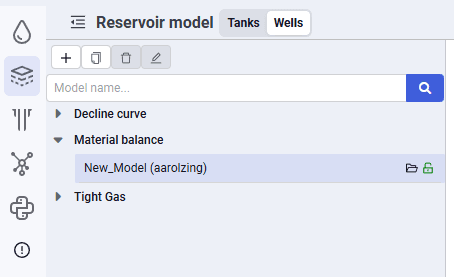 Select image to enlarge
2.Click Add.
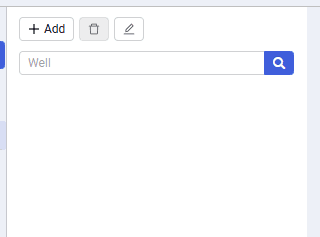 Select image to enlarge
3.In the window that opens, enter the well name and click OK.
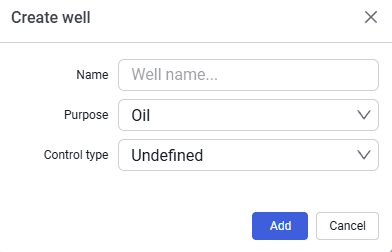 Select image to enlarge
4.The new well appears in the object navigator under the reservoir.