
Flow Assurance
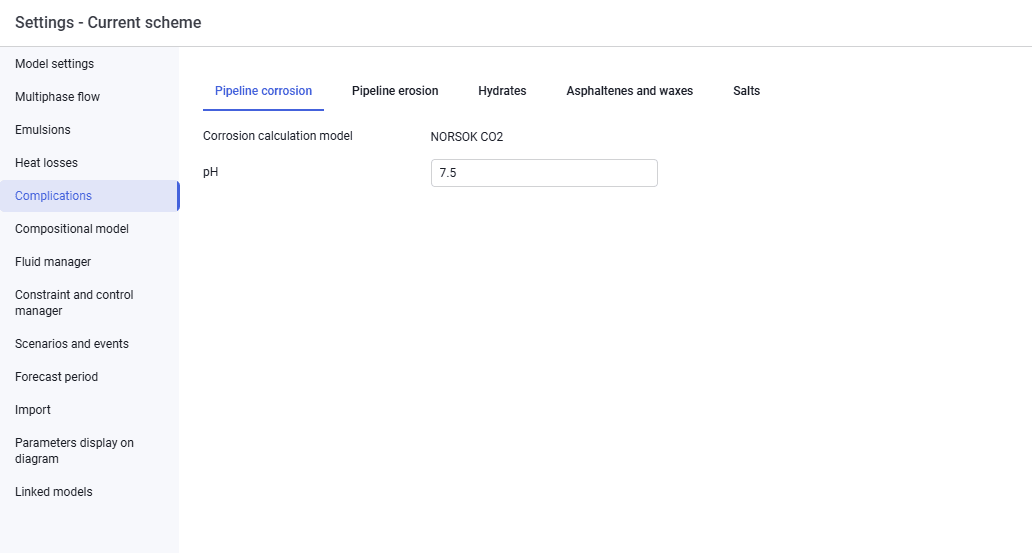
The "Flow Assurance" tab looks as follows.
 Select image to enlarge
On the "Pipeline corrosion" tab, enter:
- pH.
 Select image to enlarge
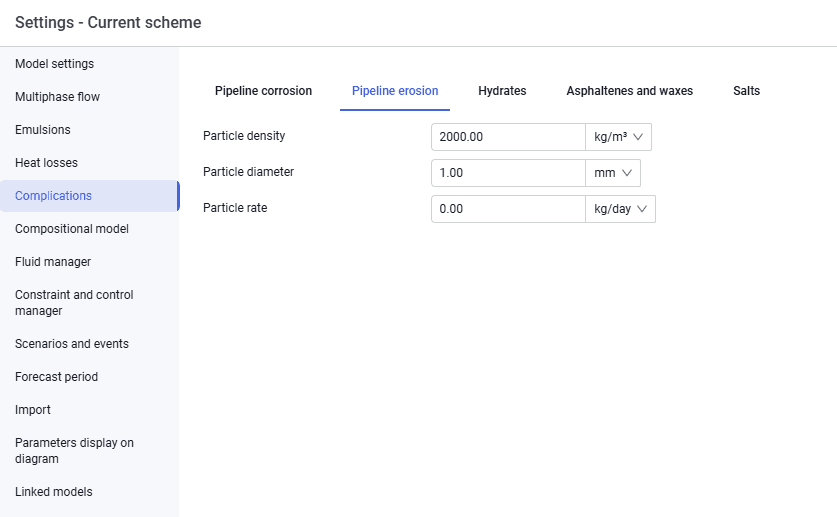
On the "Pipeline erosion" tab, enter:
- particle density;
- particle diameter;
- particle rate.
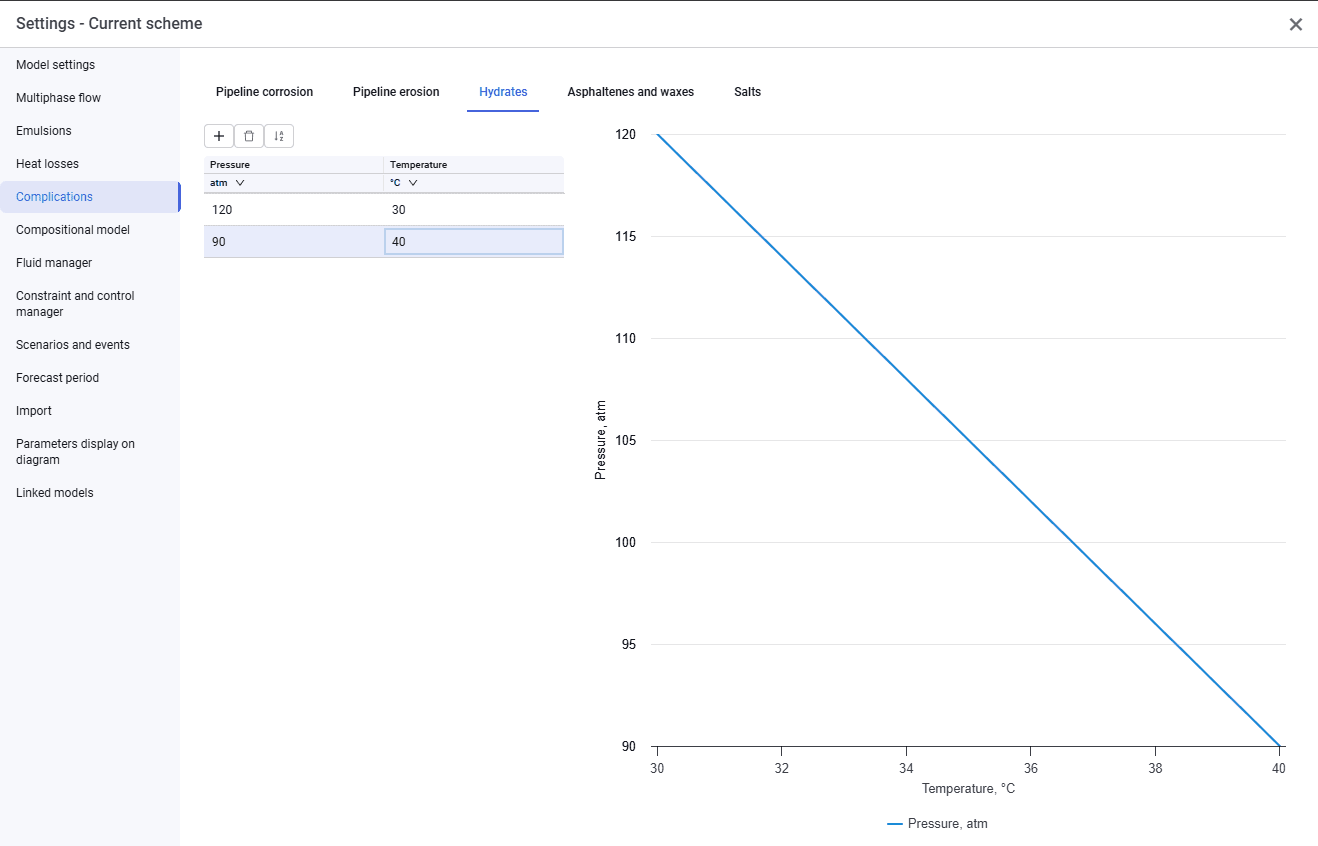
The "Hydrates", "Asphaltenes and waxes", and "Scale" tabs are similar and look as follows.
 Select image to enlarge
To account for flow assurance, enter a deposition curve — a set of pressures and temperatures. The curve plot is displayed in the right pane.
If the "Hydrates", "Scale", or "Asphaltenes and waxes" tabs are filled in, the pipeline profile in calculations will show a "Yes" or "No" marker depending on the likelihood of the issue forming.