
Parameters display on diagram
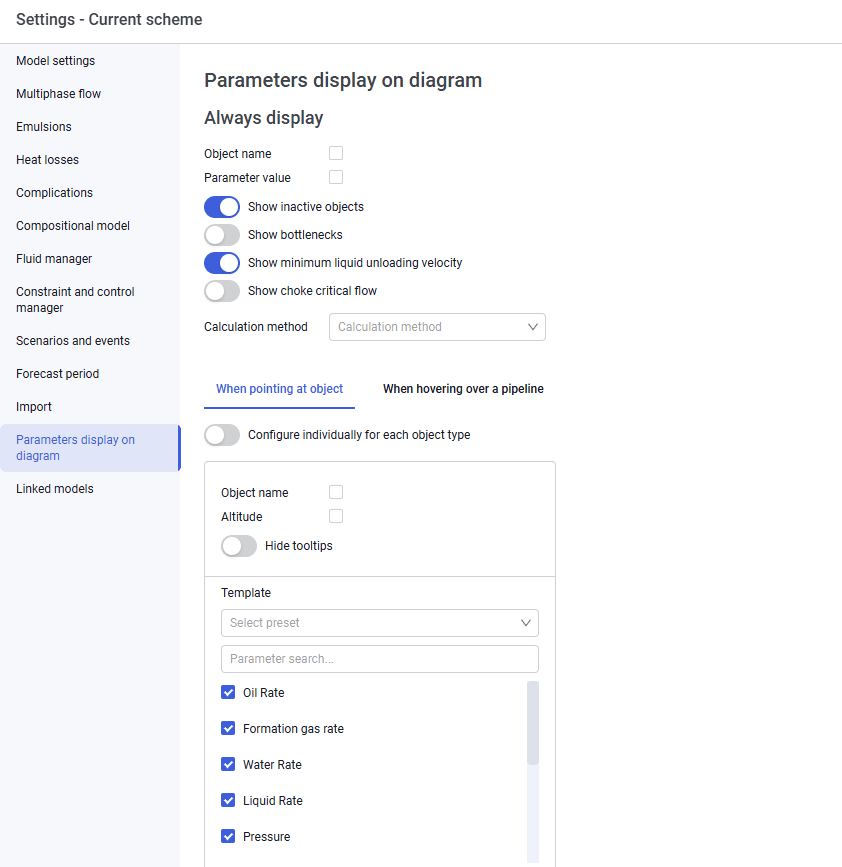
The "Parameters display on diagram" tab looks as follows.
 Select image to enlarge
On this tab you can configure parameters for always-on display and parameters displayed when hovering over an object. You can also enable alerts for bottleneck detection and for not meeting the minimum liquid unloading velocity (for gas wells). Failure to meet the minimum velocity criterion is shown as a "Droplet" symbol on the "Well" object.