
Logging in nv.AIM
Access to the system is provided by opening a link in the browser that is unique for each organization and is created during system implementation.
To log in to nv.AIM, perform the following actions:
- in the browser address bar, enter the system URL created during installation. To obtain the address, contact your system administrator;
- the login window will open:
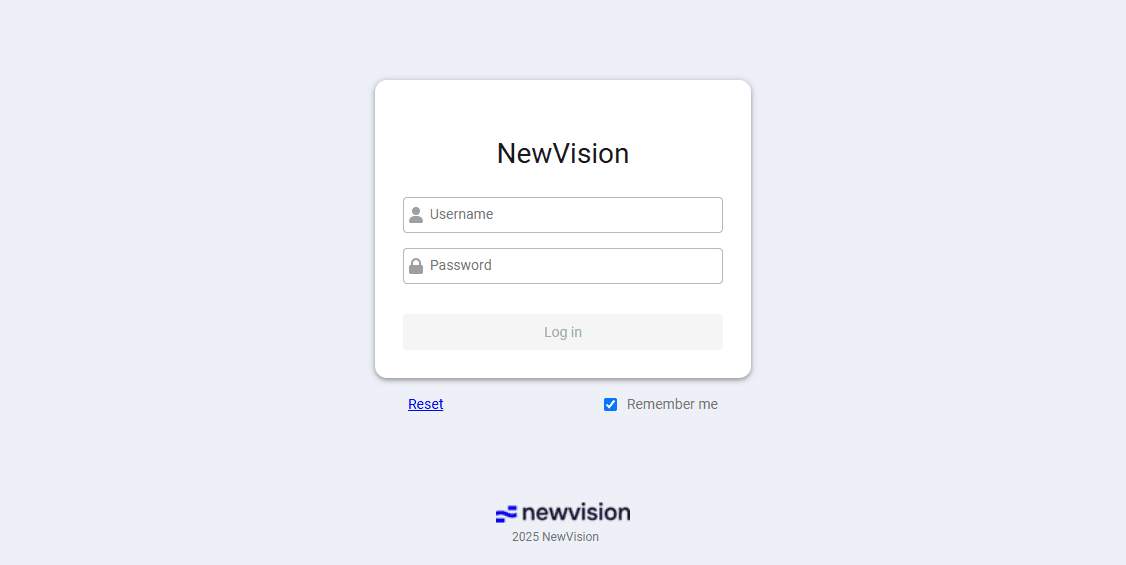 Select image to enlarge
- enter the user name and password. Click Log in:
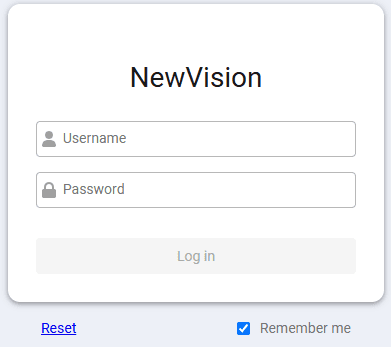 Select image to enlarge
- the nv.AIM application start page will open.