
Selecting Project
To select a project, perform the following actions:
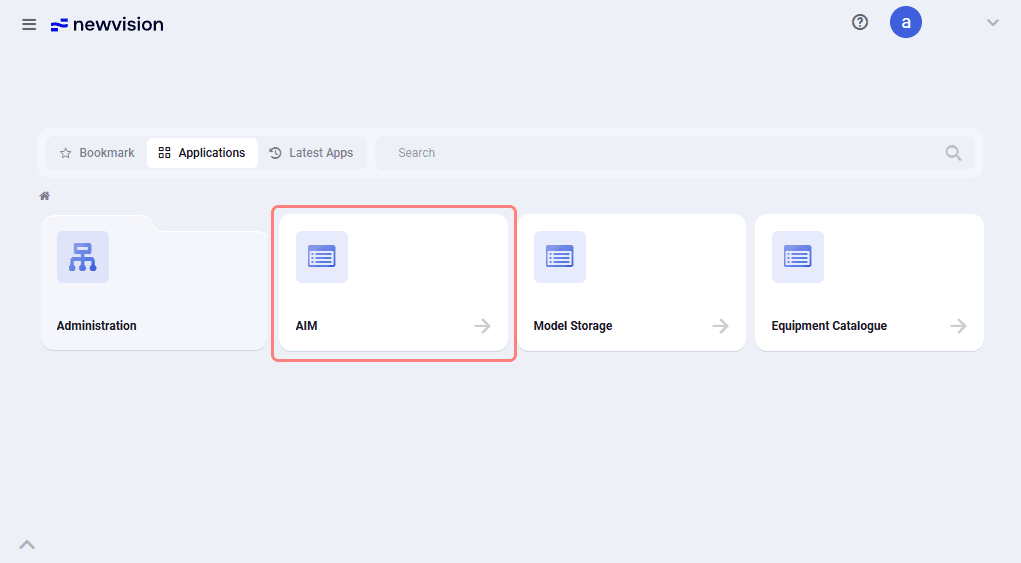
1.On the start page, select the nv.AIM application.
 Select image to enlarge
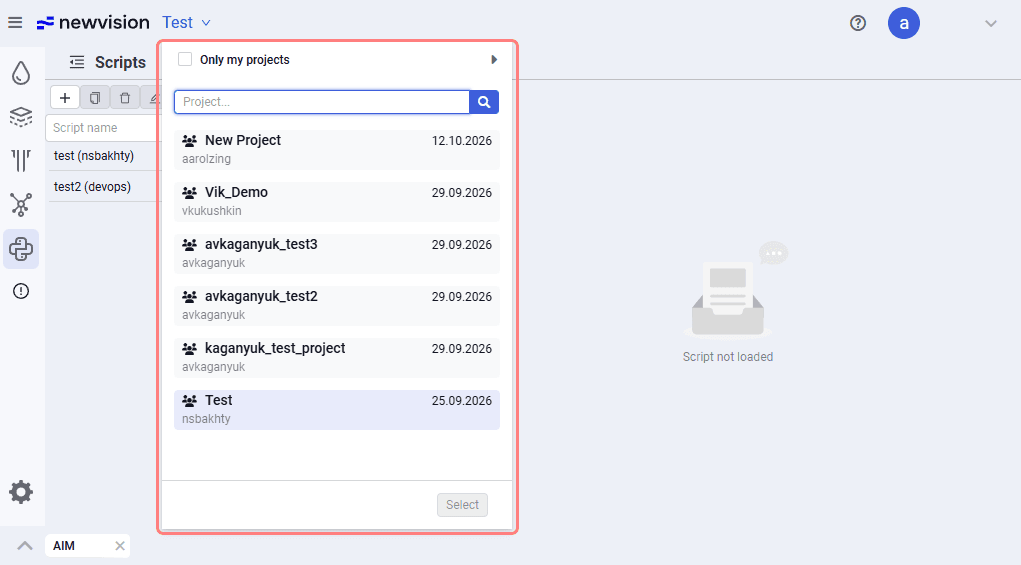
2.In the upper-left part of the opened application, click the projects menu.
A list of projects available to the user will appear, with the ability to search for a project by name.
For each project, the project author and the project creation date are shown.
 Select image to enlarge
3.Select a project from the drop-down list and click Select.
The name of the selected project will immediately appear at the top of the form.
All subsequent models will be created and loaded into the selected project.