
Running a historical calculation
The model is run using the Calculate model button.
While the calculation is running, a preloader is shown on the calculation button and the button is unavailable for starting the calculation again.
After the calculation completes, the calculation button becomes active again.
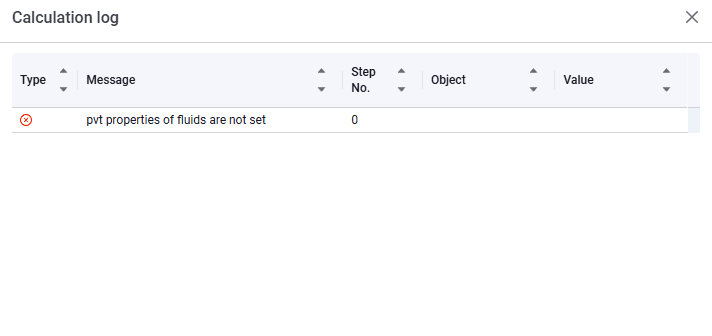
Information about completed calculations is contained in the calculation log. To open the calculation log, in the action menu  select Calculation log.
 Select image to enlarge