
PVT linking
To link a PVT model, perform the following actions:
1.To link a PVT model, open the action menu using the  button.
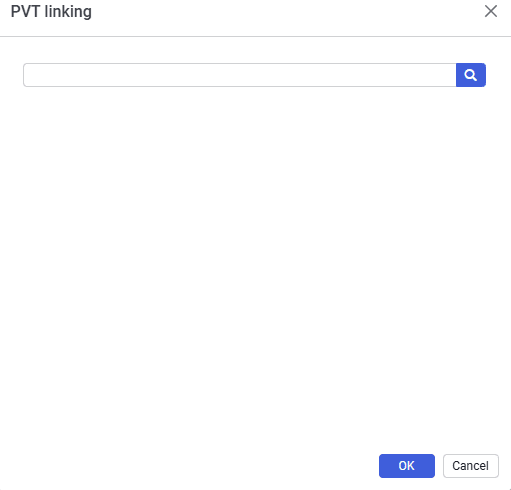
2.In the "PVT linking" window, select the fluid model or models with the checkbox and confirm the selection using the OK button.
 Select image to enlarge
3.In the drop-down list, select the required PVT region
4.The selected region will be used in calculations.