
Multiphase flow
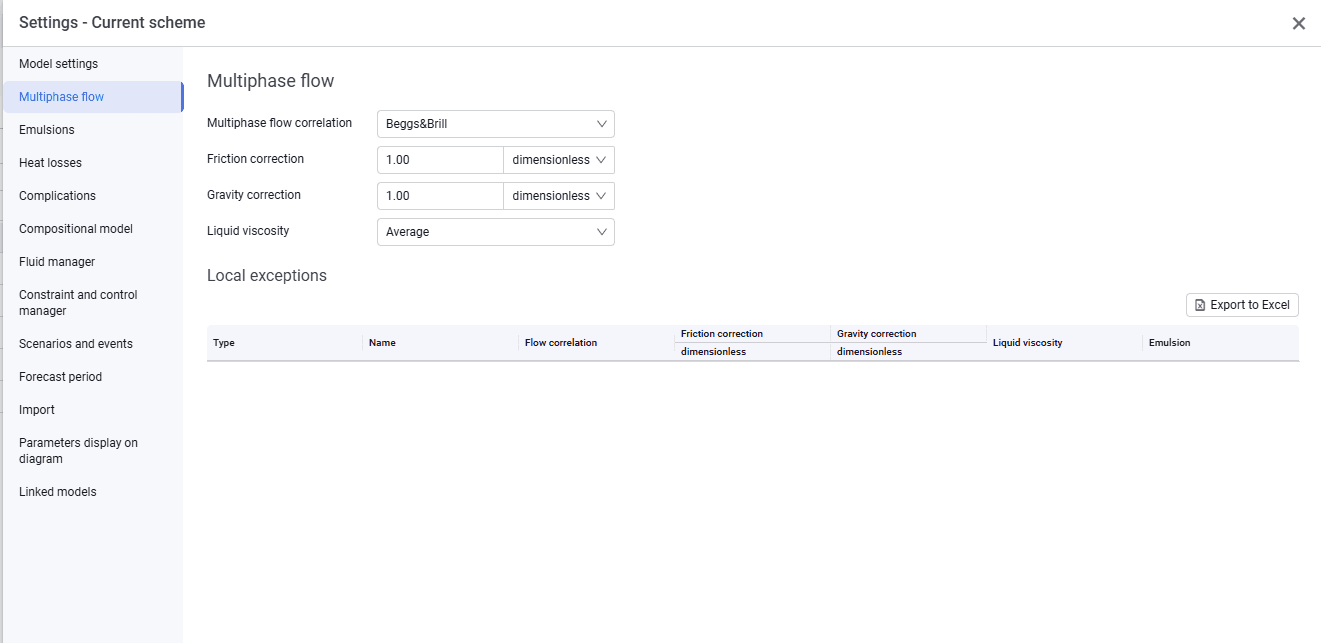
The Multiphase flow tab looks as follows.
 Select image to enlarge
On this tab, select the parameters that will be the same for the entire system:
- multiphase flow correlation. The drop-down list includes Beggs & Brill, Hagedorn & Brown, Gray, Duns & Ros, Orkiszewski, Ansari, Griffith, Aziz, Poettmann & Carpenter, MECH1, MECH2, MECH3, Mukherjee&Brill;
- friction correction;
- gravity correction;
- liquid viscosity. Several emulsion calculation models are available: Brinkman, Vand, Woelflin, Average, Three Stage, OIS.
This tab also displays a table of local exceptions (parameters selected in pipelines that differ from the global system settings). In the table you can change the flow correlation and the friction and gravity corrections. The changes are automatically transferred to the corresponding pipeline. You can export the table by clicking Export to Excel.