
Adding Model Files to Project
To import existing models for further work, do the following:
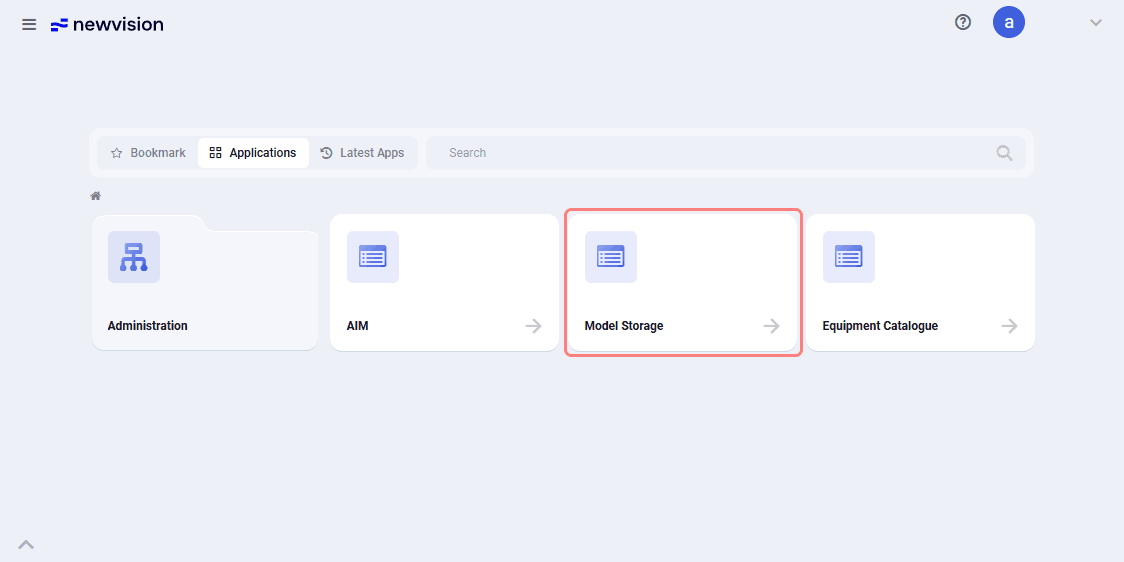
1.On the home page, select the Model storage application.
 Select image to enlarge
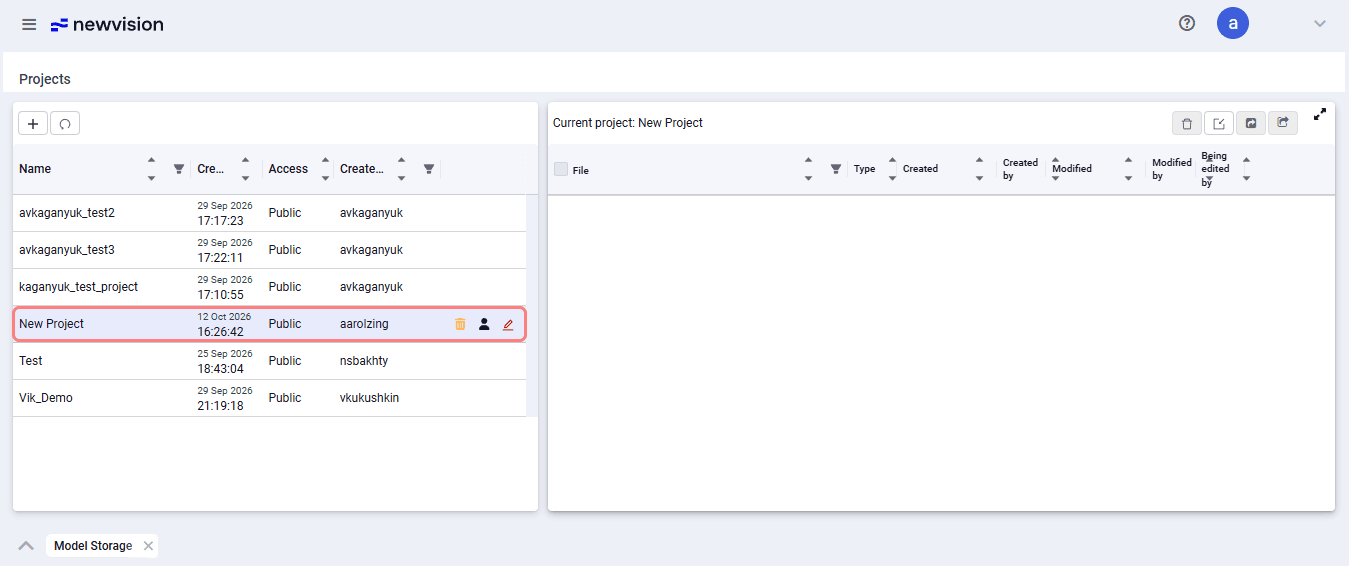
2.In the form that opens, select the project into which the models should be imported.
 Select image to enlarge
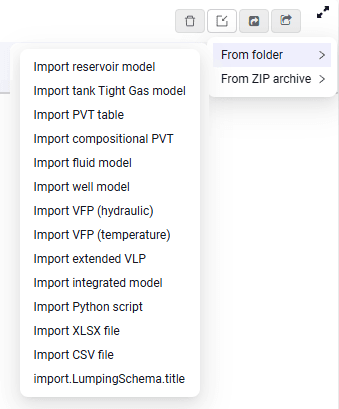
3.In the upper-right part, click  and from the list select the required import option.
 Select image to enlarge
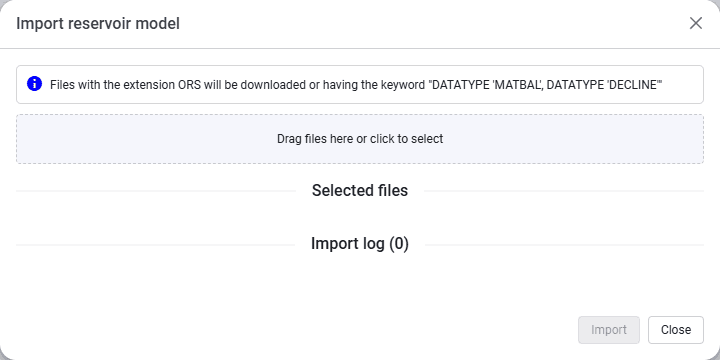
4.An import window opens; drag the required file into it, or click the upload area and select the model file in the file explorer that opens.
| Note You can combine file adding methods and add several model files at once. The list of files to import is displayed in the same window. |
5.After adding the files, click Import.
The new model files appear in the project.
 Select image to enlarge