
Connections
 Select image to enlarge
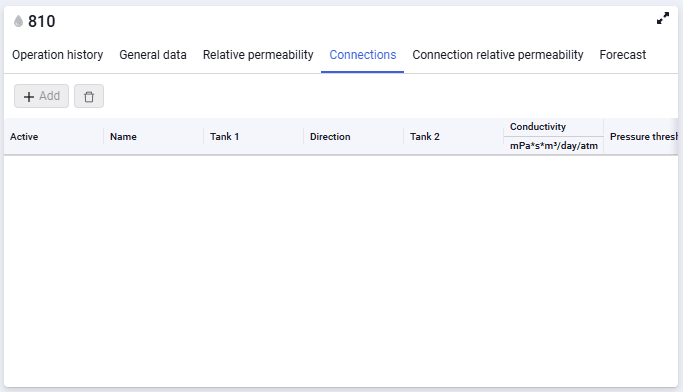
The form contains the following elements:
Add
Add a new connection between tanks;
Delete (  )
)
Delete the selected connection between tanks. The button is enabled when a connection is selected in the table.
The connections table contains the following data:
- checkbox. Used for multiple selection of connections;
- name. Displays the connection name specified by the author;
- tank 1, 2. Specify the tank models between which flow is defined;
- direction. The direction can be from the first tank to the second, from the second to the first, or bidirectional;
- conductivity;
- pressure threshold (no threshold, use threshold with equal potentials, use threshold with unequal potentials);
- threshold pressure.