
Linked models
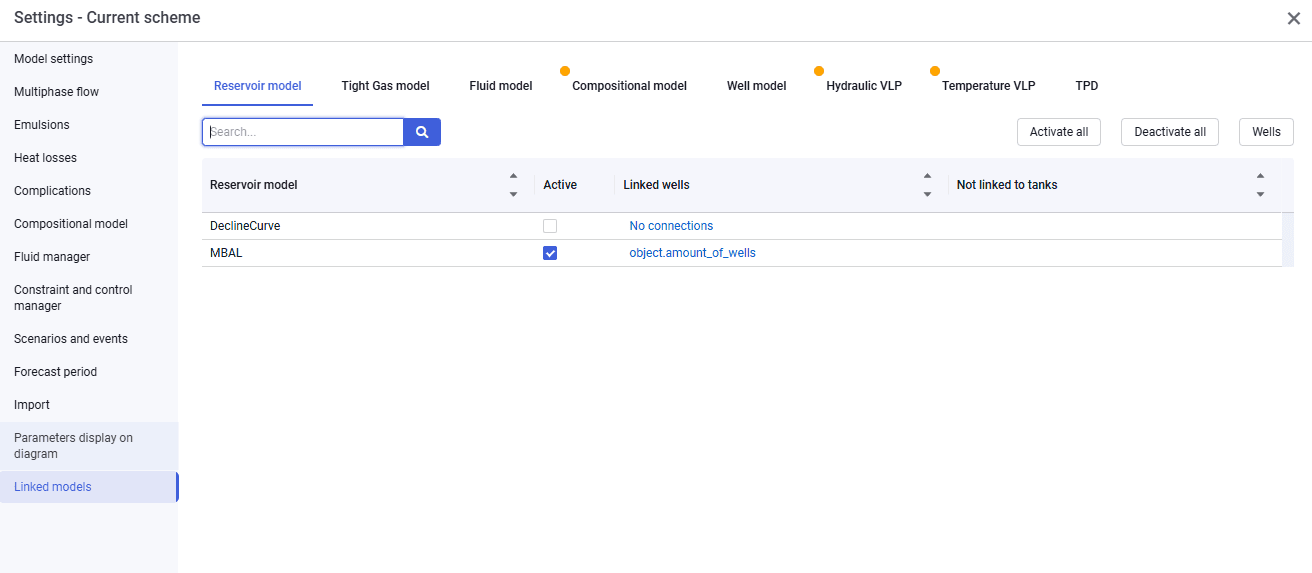
The Linked models tab looks as follows.
 Select image to enlarge
This tab displays the linking of component models to Well objects in nv.AIM PIPE.
The tab provides bulk activation of models Activate all and bulk deactivation of models Deactivate all.
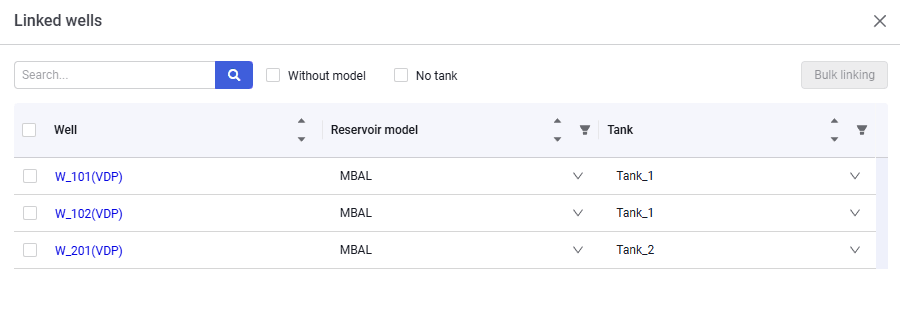
To link component models, go to the Wells window in the right corner above the table.
 Select image to enlarge
You can link component models to wells in two ways:
- manually select a model for each well from the drop-down list;
- bulk linking of models to wells selected with check boxes in the table.
In this window you can also search wells by name, filter wells without a link, and sort wells and models ascending or descending.