
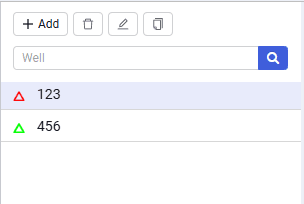
Area 1. Well Navigator
In this area you add/delete wells.
The area contains the following elements:
Add well (  )
)
adds a new well. Two well types are available:
- Vertical well in radial reservoir;
- Vertical well with HF in radial reservoir.
 Select image to enlarge
Delete (  )
)
Deletes the selected well.
Rename (  )
)
Renames the well.
Well search
well search box.