
Model calculation
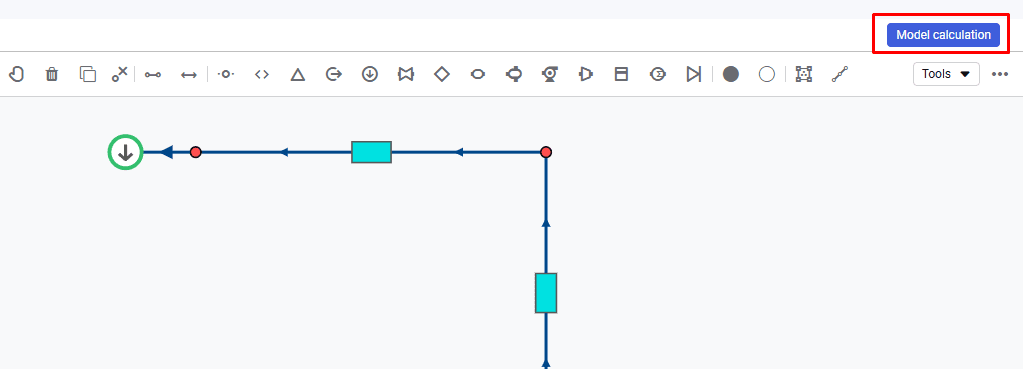
To configure calculation parameters, open the "Model calculation" window using the button in the upper-right corner of the screen.
 Select image to enlarge
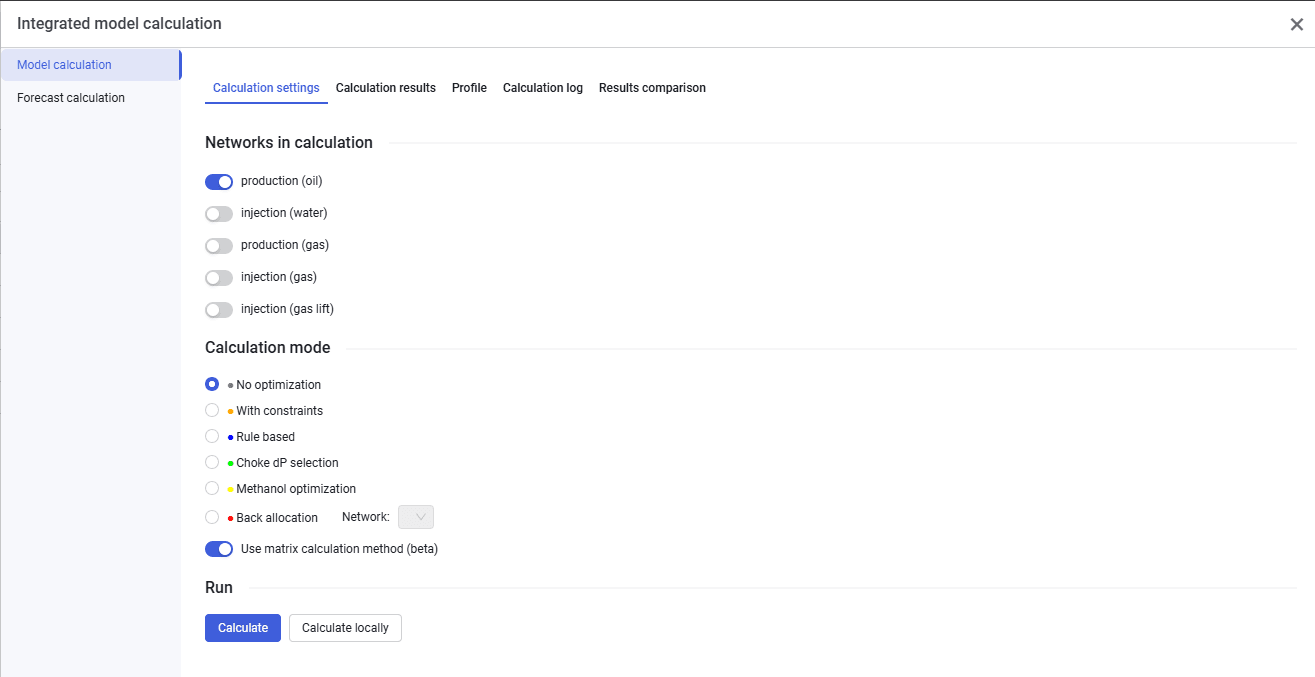
The "Model calculation" window looks as follows.
 Select image to enlarge
In this window you can select networks in the calculation: production (oil), injection (water), production (gas), injection (gas), injection (gas lift). For example, if production (oil) and injection (water) are created, they can be calculated together or separately.
In this window you can select the calculation type: "No optimization", "Optimize With All Constraints", "Rule Based", "Choke dP selection", "Methanol optimization", and "reverse allocation". You can also use the matrix calculation method by switching the toggle.
To run reverse allocation, set a rate instead of pressure at the terminal node of the system, then in the calculation window select the network for which this calculation should be performed.
After a successful calculation, calculated parameters appear on the "Calculation results", "Profile", "Calculation log", and "Results comparison" tabs.
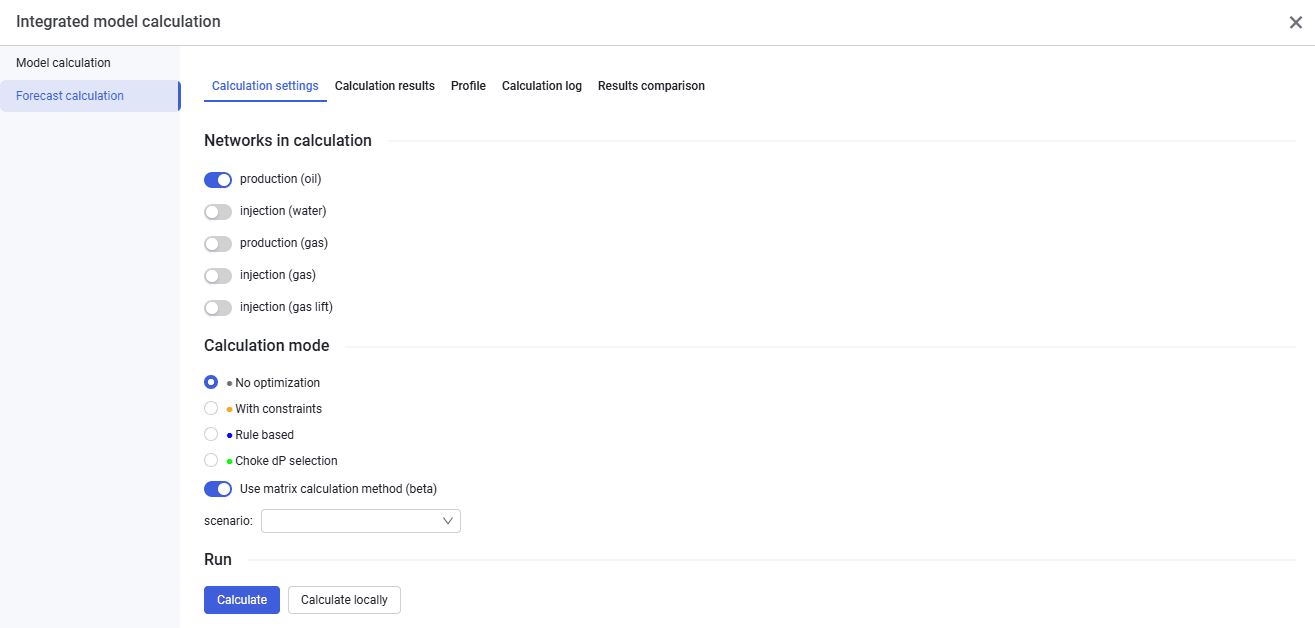
The "Forecast calculation" tab looks similar and lets you run forecast calculations.
 Select image to enlarge