
Material Balance Plot Settings
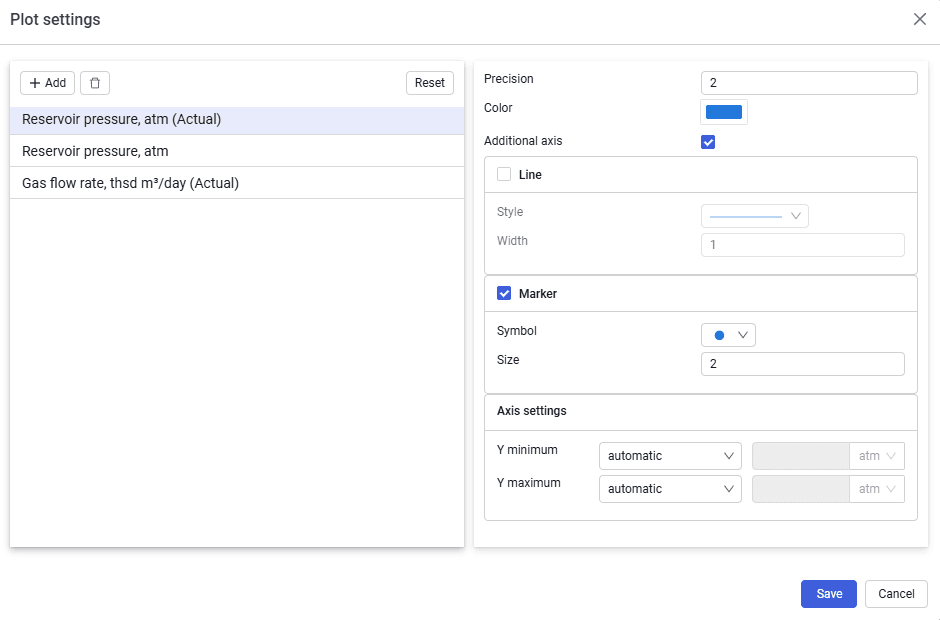 Select image to enlarge
Contains the following elements:
Add
To select parameters from the drop-down list.
Delete (  )
)
To delete the selected parameter. Inactive unless a parameter is selected.
Parameter drop-down list
Opened using the Add button.
Search box
For searching for the parameters.
Select
Button to confirm adding the selected parameter.
For each parameter you can configure the display — precision, color, line or marker display, and also line and marker types.