
Connecting a reservoir model to an injection system
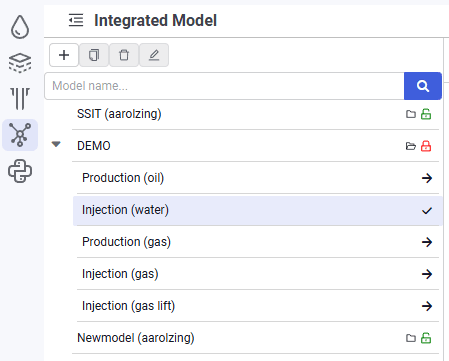
1.In the model tree, select the water injection system model previously created in the nv.AIM PIPE module.
 Select image to enlarge
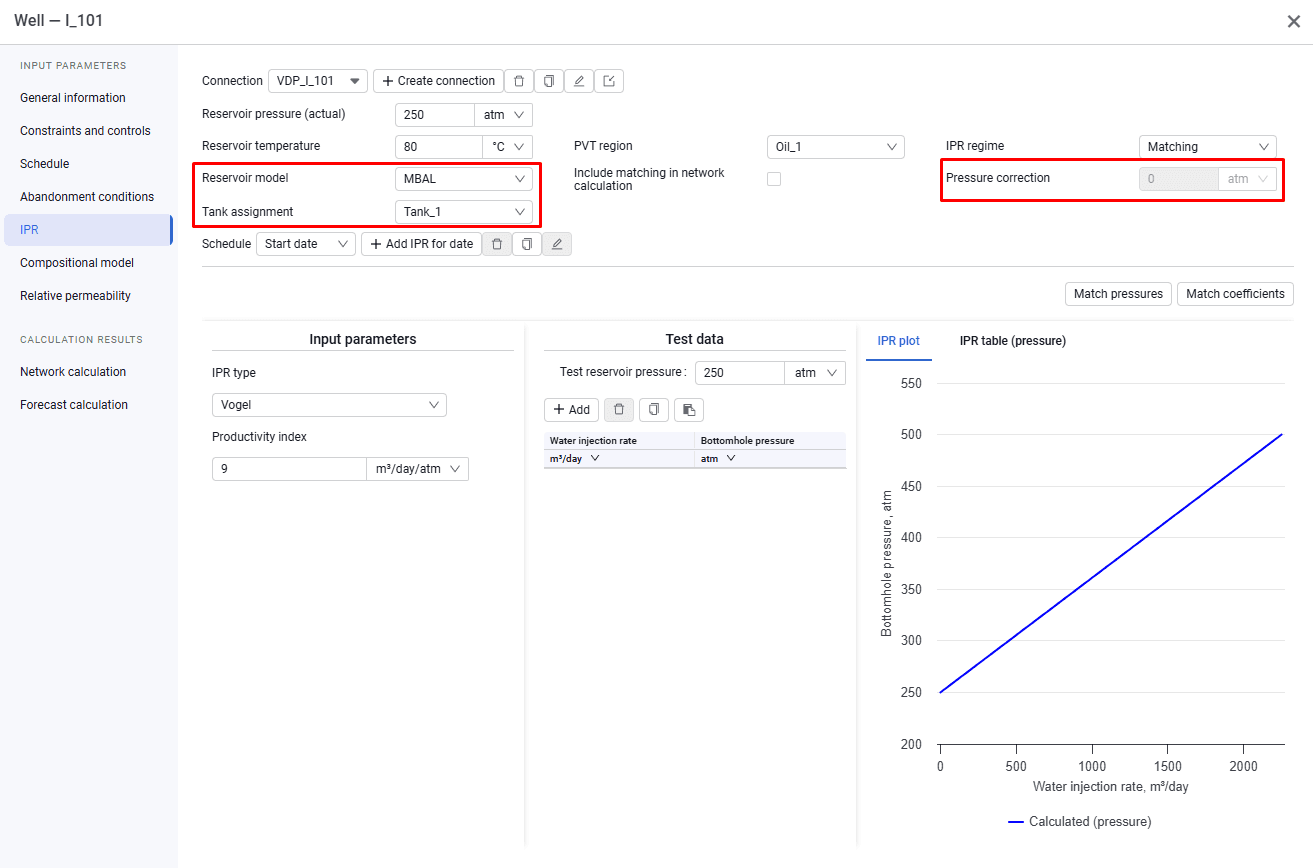
2.For each "Well" object, open the "IPR" tab, link the previously created material balance model, and enter a reservoir pressure shift if needed.
 Select image to enlarge