
nv.AIM Start Page
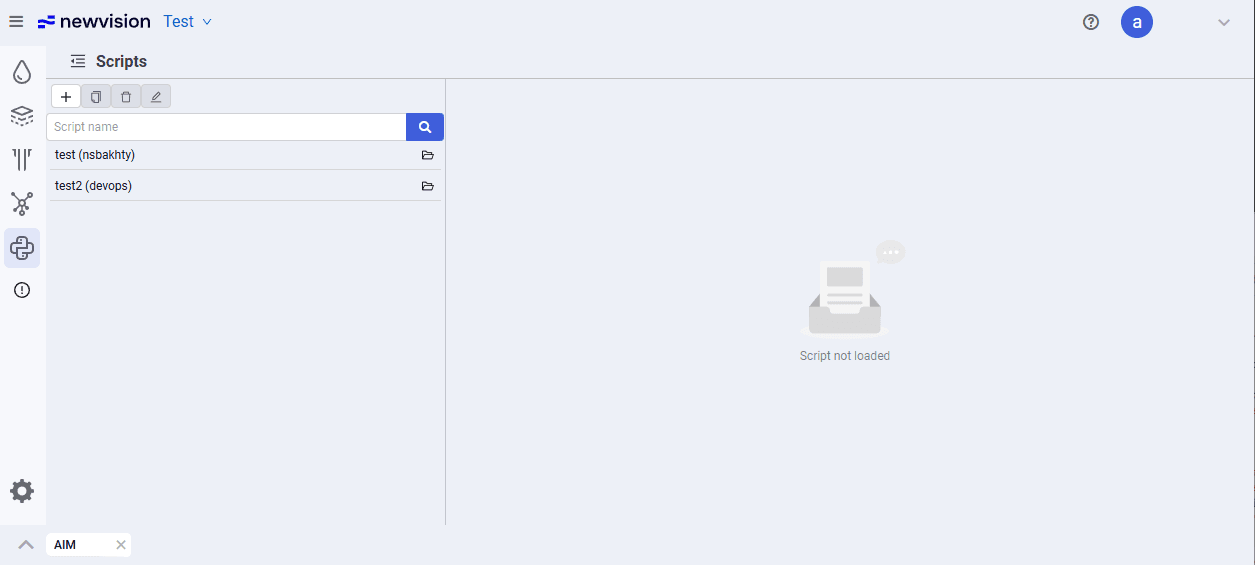
On the "nv.AIM" application start page, 5 modules are available in the upper-left corner:
 – "PVT". In this module, you can create a fluid model for oil and gas;
 – "Reservoir model". In this module, you can create or import a Reservoir Model in material balance format or decline curve format;
 – "Well model". In this module, you can create a model of an oil- and gas-producing well, as well as a water- and gas-injection well;
 – "Integrated Model". In this module, you can create a gathering and transportation system model for oil and gas, as well as a pressure maintenance system model — water or gas injection;
 – "Scripts". In this module, you can create scripts to automate processes in nv.AIM.
When you hover over a module, a tooltip with the module name appears.
 Select image to enlarge