
Running an optimization calculation (Rules Based snapshot)
1.To start an optimization calculation, go to the Model calculation menu in the upper-right corner of the screen.
 Select image to enlarge
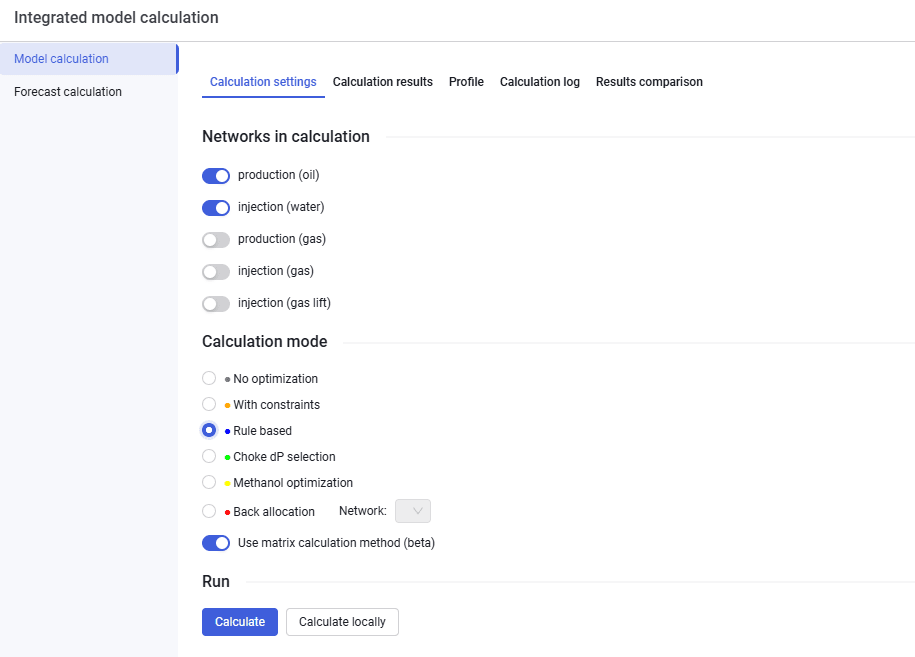
2.Then, on the Model calculation tab, select the calculation settings, select the Rules Based option, and click Calculate.
 Select image to enlarge