
Heat losses
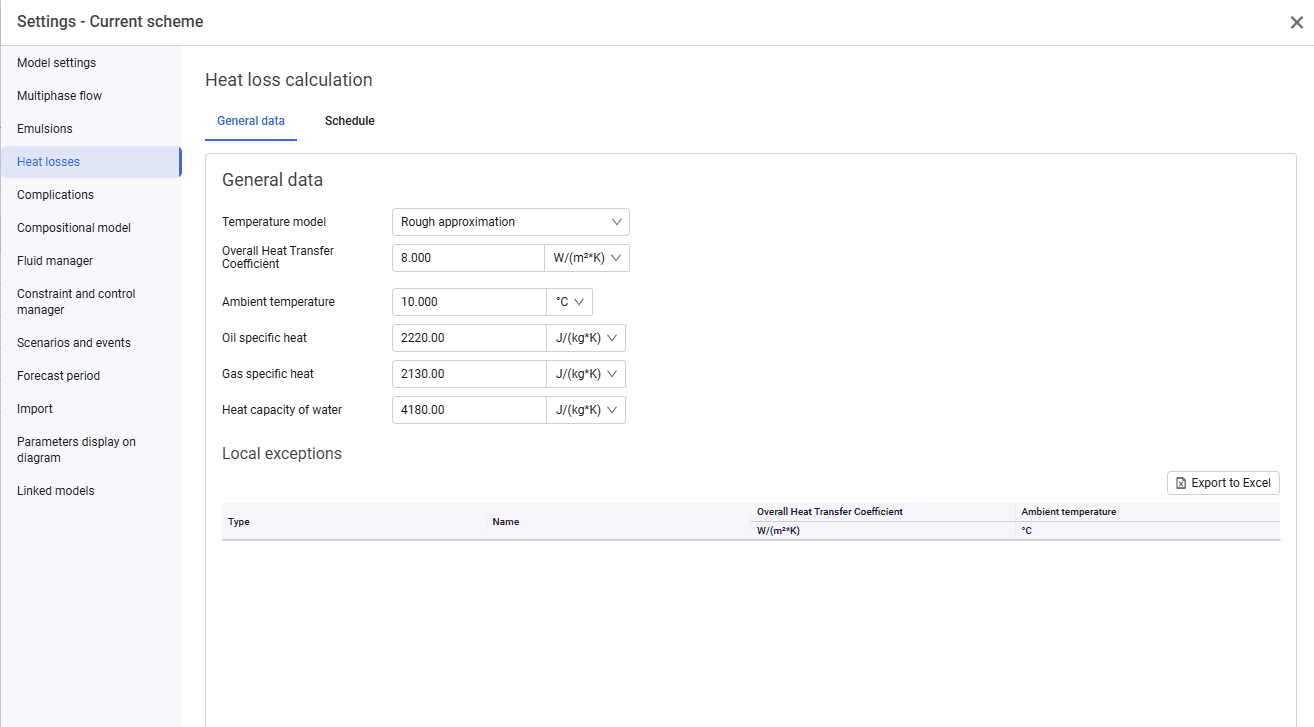
The Heat losses tab looks as follows.
 Select image to enlarge
On the General data tab, select the parameters that will be the same for the entire system:
- temperature model. The drop-down list includes Not Specified, Enthalpy balance, Rough approximation, and Improved approximation;
- input data depending on the selected model.
This tab also displays local exceptions, which you can export by clicking Export to Excel.
On the Schedule tab, you can specify a change in ambient temperature for the required date.