
Connection relative permeability
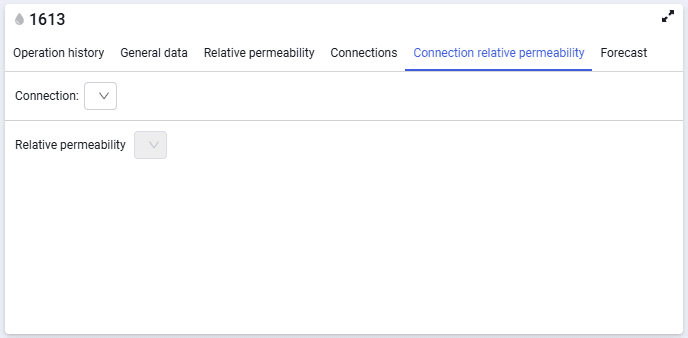
The Connection relative permeability tab looks as follows.
 Select image to enlarge
In the Link drop-down list, you can select the connection for which relative permeability input data will be displayed on the tab. The drop-down list contains connections created on the Connections tab.
In the Relative permeability drop-down list, the following methods are available: Corey correlations, tables, tank.
The functionality for Corey correlations and tables is the same as for specifying relative permeability for tanks (described above).
When the Tank relative permeability input method is selected, the relative permeability specified in the tank will be used for the connection.