
Reservoir Model Scheme
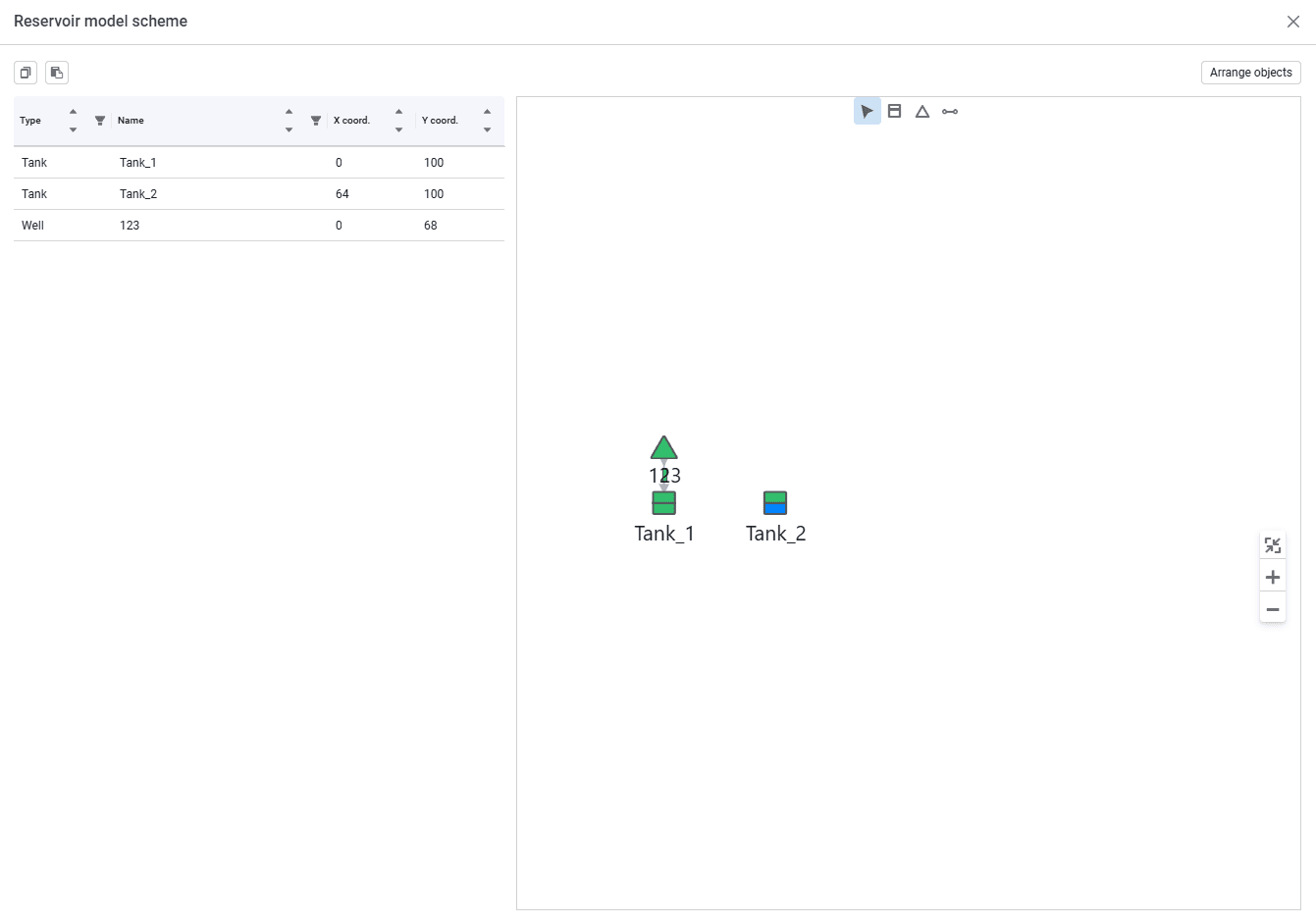
The "Reservoir model scheme" window looks as follows.
 Select image to enlarge
It is a graphical interface for visualizing well-to-tank connections.
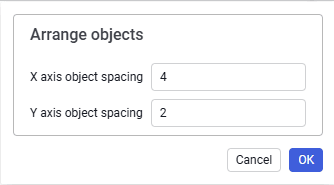
The Arrange objects button above the scheme opens a popup that you can use to automatically arrange objects with specified conditions.
 Select image to enlarge
Zoom controls are located to the right of the scheme:
 – fit to window;
 – zoom in;
 – zoom out.