Saving the model
To save the model, do the following:
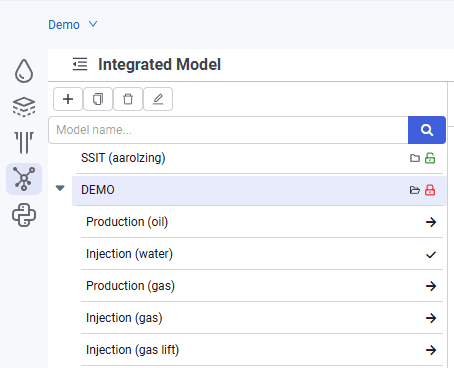
1.To save the model, click the  symbol to the right of the model name in the model tree. In the pop-up window, click Save.
2.The model is saved.
 Select image to enlarge
 nv.AIM
To save the model, do the following:
1.To save the model, click the symbol to the right of the model name in the model tree. In the pop-up window, click Save.
2.The model is saved.
Select image to enlarge