
System settings
To define model and calculation settings, open the "Settings" window using the button in the upper-right corner of the screen.
 Select image to enlarge
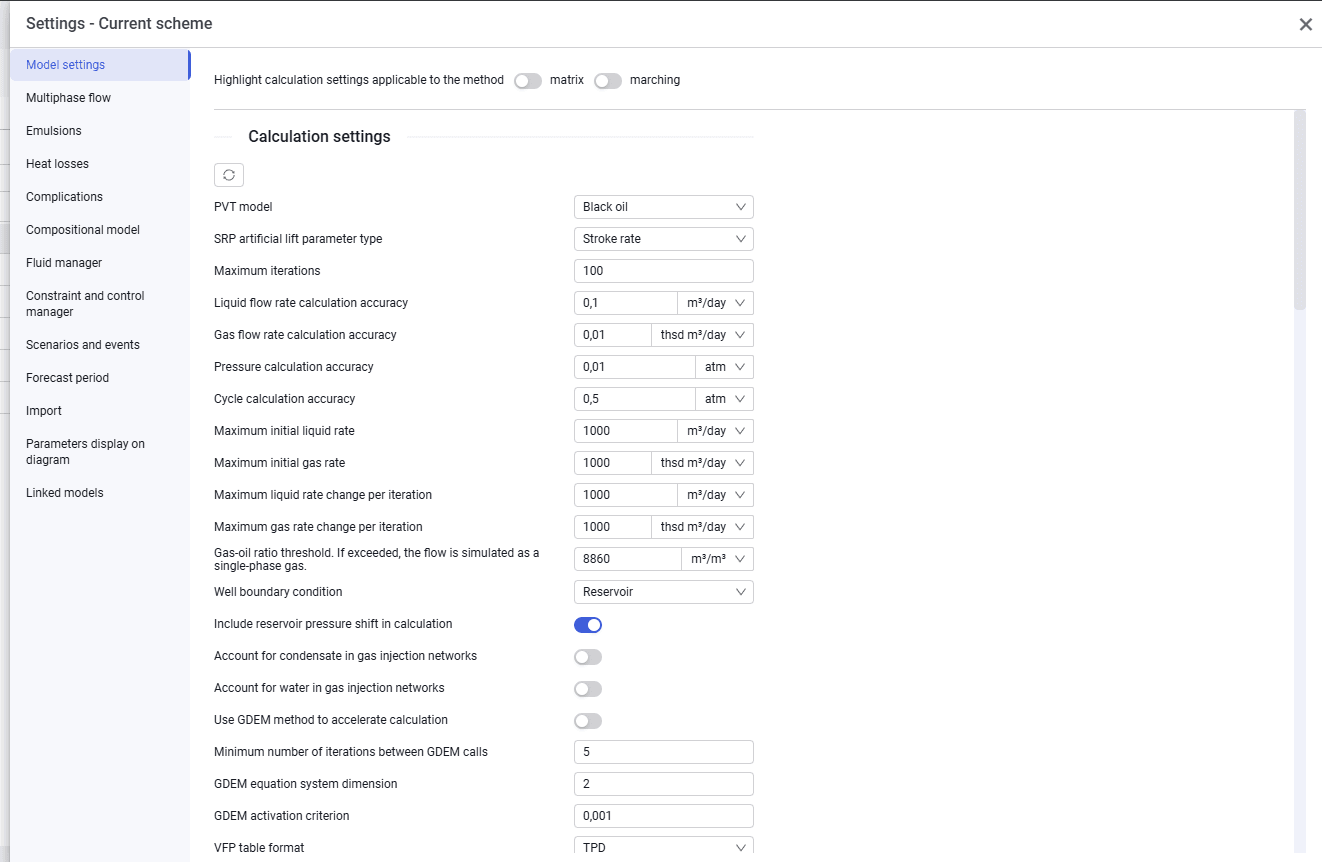
The "Settings" window looks as follows.
In this window, enter the parameters that apply to the entire system. The window contains the following tabs: