
Creating a region
To create a region, do the following:
1.In the model tree, to the right of the created model name, click Create new region  .
.
2.In the Create region form that opens, fill in the following parameters:
- name;
- region description (if required).
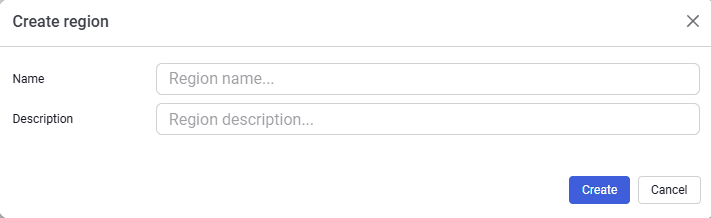 Select image to enlarge
3.After creating the region, fill in all input data tabs in sequence (Density, Oil, Gas, Water).