
Calculation Steps
 Select image to enlarge
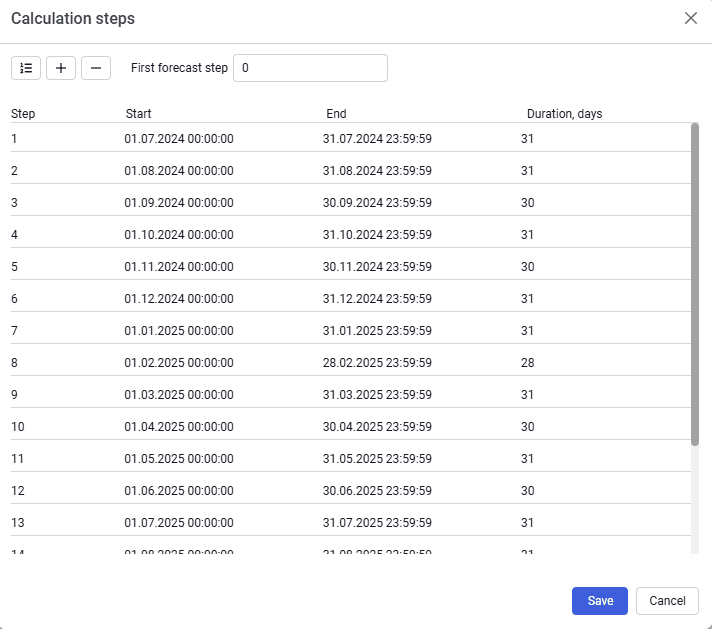
The form contains the following elements:
Create calculation steps (  )
)
To create the operating period and forecast;
Add calculation steps (  )
)
Add calculation steps;
Delete calculation steps (  )
)
Deletes the selected steps;
First forecast step
Specifies the step from which the forecast calculation starts. The specified step will be marked with a flag, and all forecast steps will be highlighted in green in the table;
Cancel
To exit without saving changes;
Save
To save changes to calculation steps. When saving, you must confirm adding or changing steps.
The table contains a list of all calculation steps, with the start, end, and duration of each step, as well as color indication of forecast calculation steps.