
Corey Correlations
To enter relative permeability data, do the following:
1.In the object navigator, select a well.
2.On the Relative permeability tab, from the Relative permeability drop-down list select Corey correlations and enter the following parameters:
Relative permeability at maximum
water saturation (krwMax); gas saturation (krgMax); oil saturation(kroMax);
Residual
water saturation (Swc); gas saturation (Sgc);
Residual oil saturation
in the oil-water system (Sorw); in the gas-oil system (Sorg);
Exponent
at water saturation (expW); at gas saturation (expG);
Oil saturation exponent
in the oil-water system (expOW); in the gas-oil system (expOG).
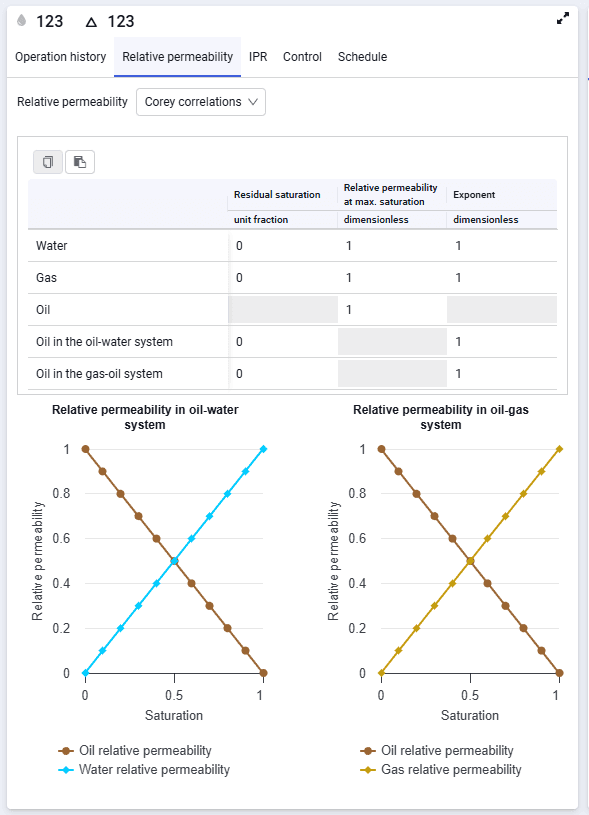 Select image to enlarge
If relative permeability values are missing, you can set default values and, before running the forecast calculation, match relative permeability for the reservoir.