
Creating a PIPE integrated model
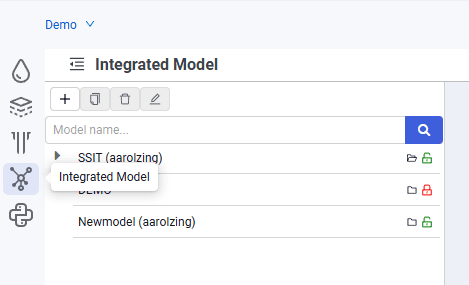
1.In the navigator, select the "Integrated Model" tab.
 Select image to enlarge
2.In the object tree, click  .
.
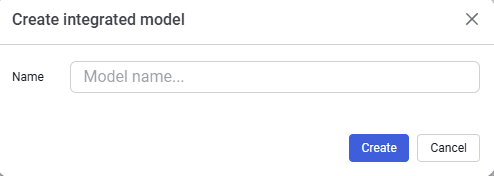
3.In the window that opens, enter the model name and click the "Create" button. The new model will appear in the model tree.
 Select image to enlarge
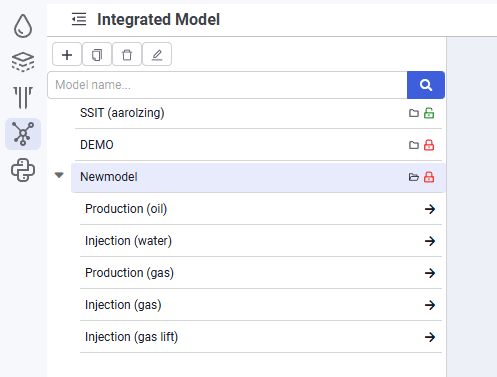
4.Click  to load the model. After loading, a list of networks is displayed in the model tree. In this example, select the "Production (oil)" network.
 Select image to enlarge
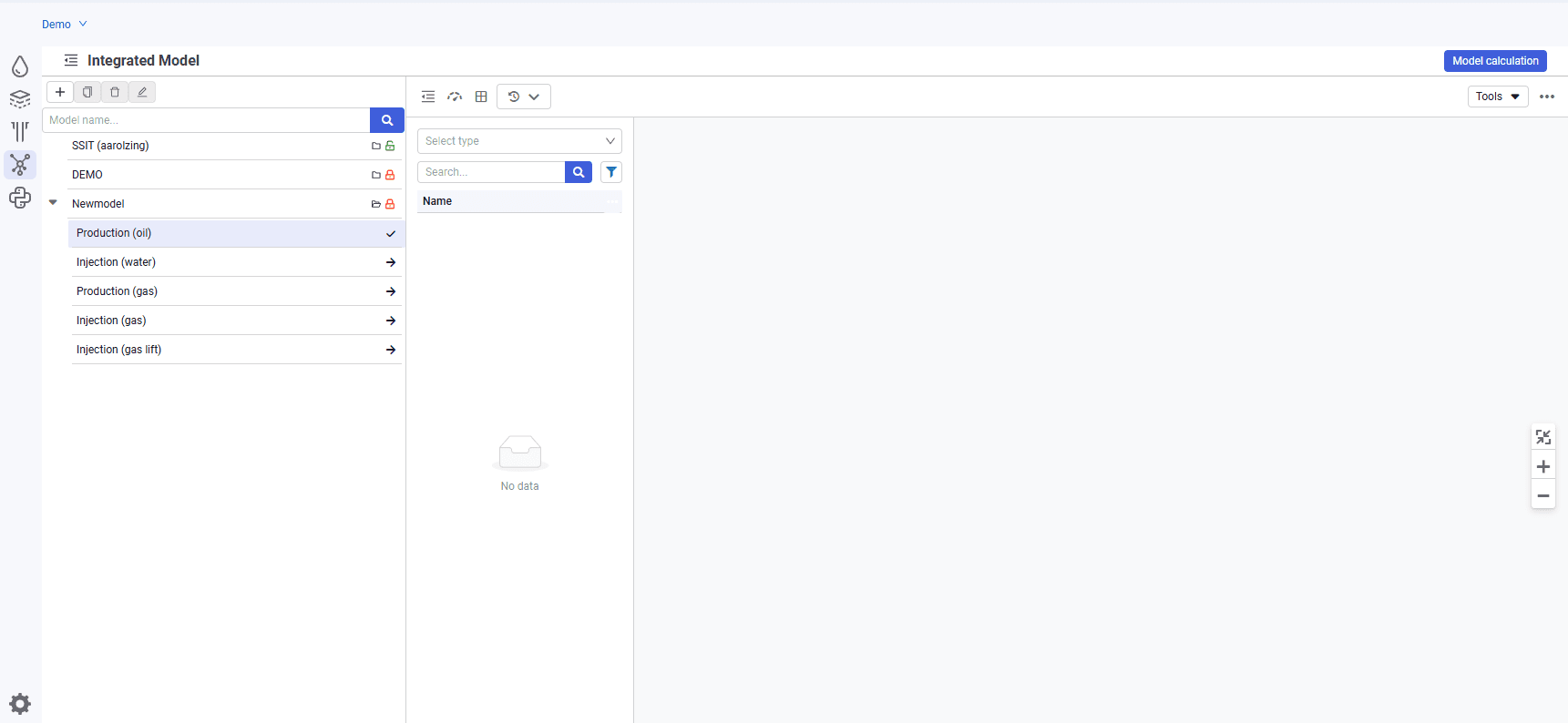
5.Click to load the "Production (oil)" network.
 Select image to enlarge
6.By default, the model is locked for editing. To make changes, click the unlock button  . After that, the model becomes available for editing
  , and the user name of the person editing it is displayed in the row with its name.