
Plot Settings
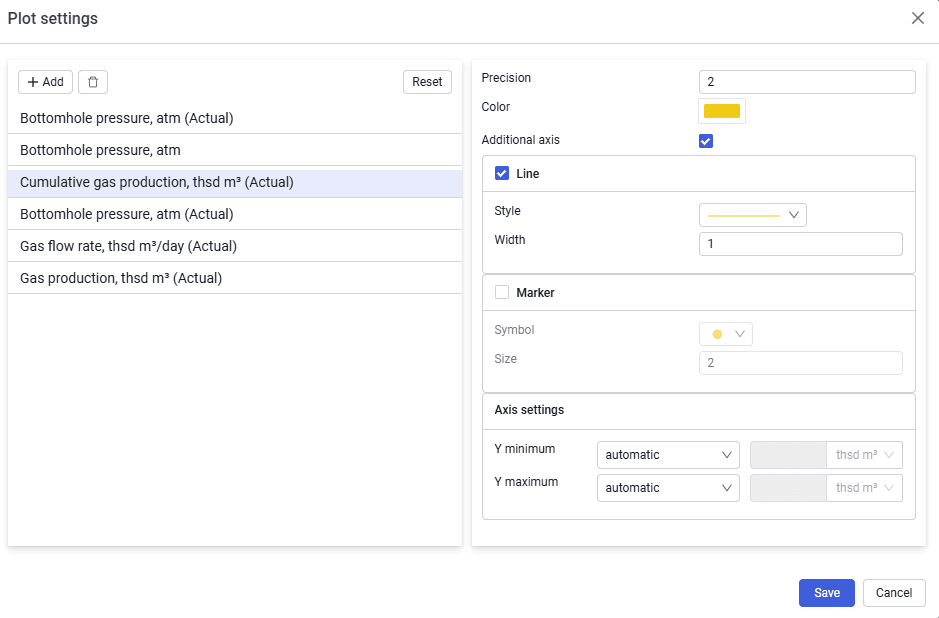 Select image to enlarge
Contains the following elements:
Add
To select parameters from the drop-down list.
Delete (  )
)
To delete the selected parameter. The button is inactive unless a parameter is selected.
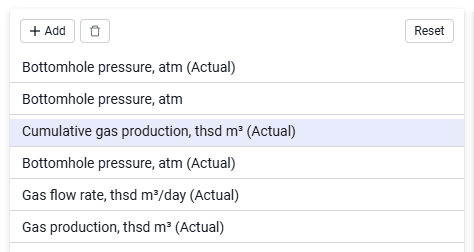 Select image to enlarge
Parameter drop-down list
Opened using the Add button.
Search box
Lets you search for the required parameter.
Select
Button to confirm adding the selected parameter.
For each parameter you can configure the display — precision, color, line or marker display, and also line and marker types.