
Plots
To view a graphical representation of calculation results, go to the Plots tab.
By default, actual and calculated reservoir pressures are displayed on the plot.
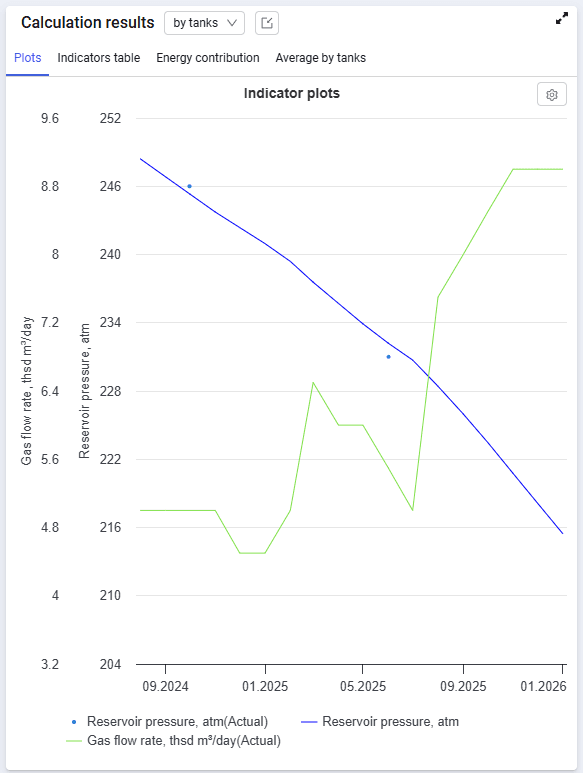 Select image to enlarge
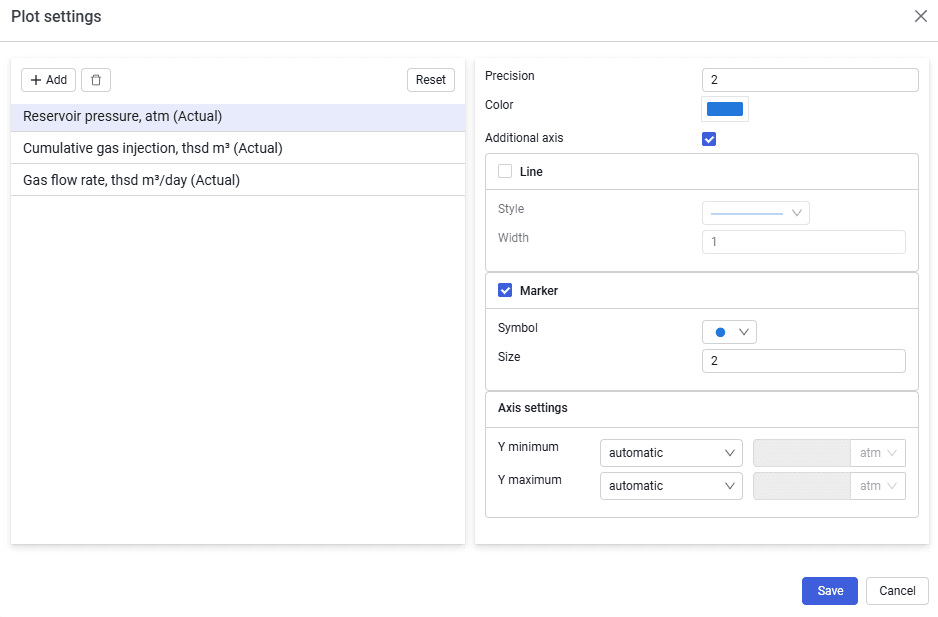
If required, you can add various calculated parameters to the plot. To do this, open the Material balance plot settings window using the  button.
Using the Add button, select the required parameter from the drop-down list, for example Oil production, and confirm the selection using the Select button.
For the selected parameter, choose the display method — line or marker — and click the Save button.
 Select image to enlarge
The new parameter is displayed on the plot.