
Running a forecast calculation for the production system
To start a forecast calculation, do the following:
1.To start a forecast calculation, go to the "Model calculation" menu in the upper-right corner of the screen.
 Select image to enlarge
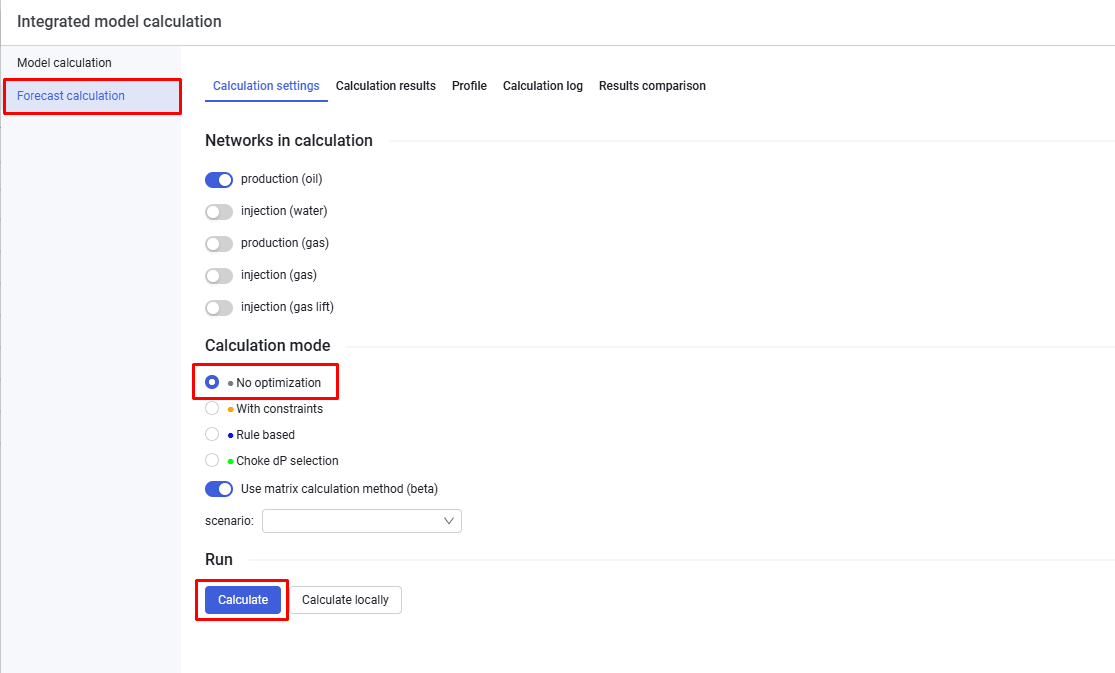
2.Then, on the "Forecast calculation" tab, select the "No optimization" option and click "Calculate".
 Select image to enlarge