
Area 2. Graphical interface
This area displays the graphical schematic of the Integrated Model built by the user.
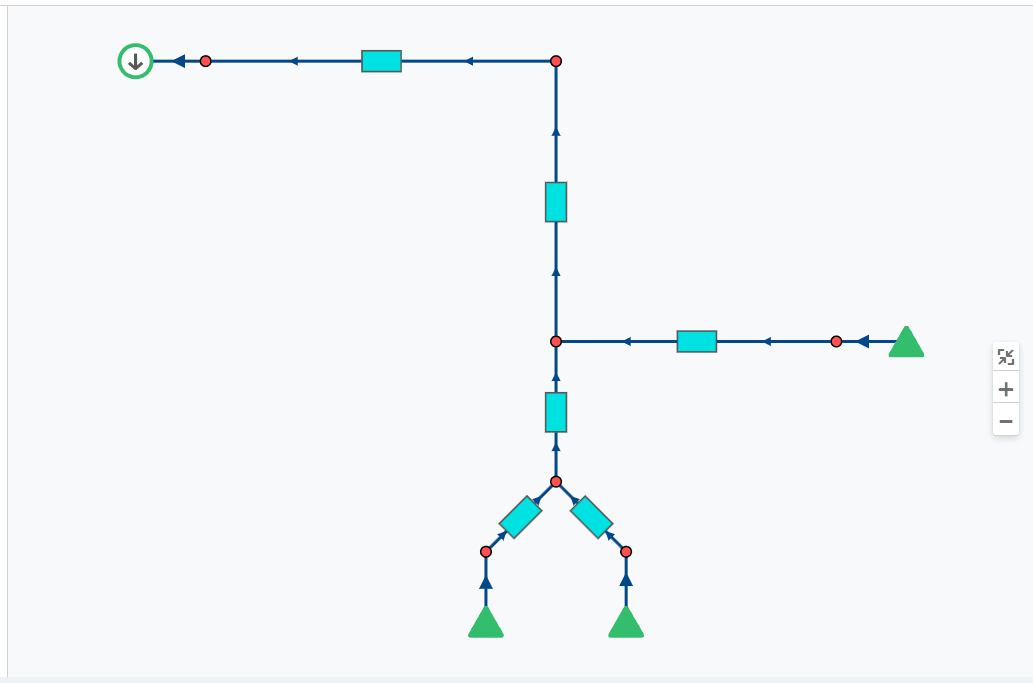 Select image to enlarge
The following buttons are available on the right side of the graphical interface:
 — button to zoom to fit the schematic. Clicking this button automatically applies a zoom level that fits the entire schematic on the screen;
 — zoom in button;
 — zoom out button.
You can also change the zoom level with the mouse wheel.
In the upper-right part of the graphical interface there is a button to select which calculation the model schematic is displayed from (for example, different calculation cases).
You can enter a sub-flowsheet (Flowsheet) by pressing the Shift key and LMB. If the user is inside a sub-flowsheet (well pad), a button with the name of the pad the user is in is displayed in the upper-left part of the screen. To return to the overall schematic, click the "home" button ( ).
).