
Nodal analysis
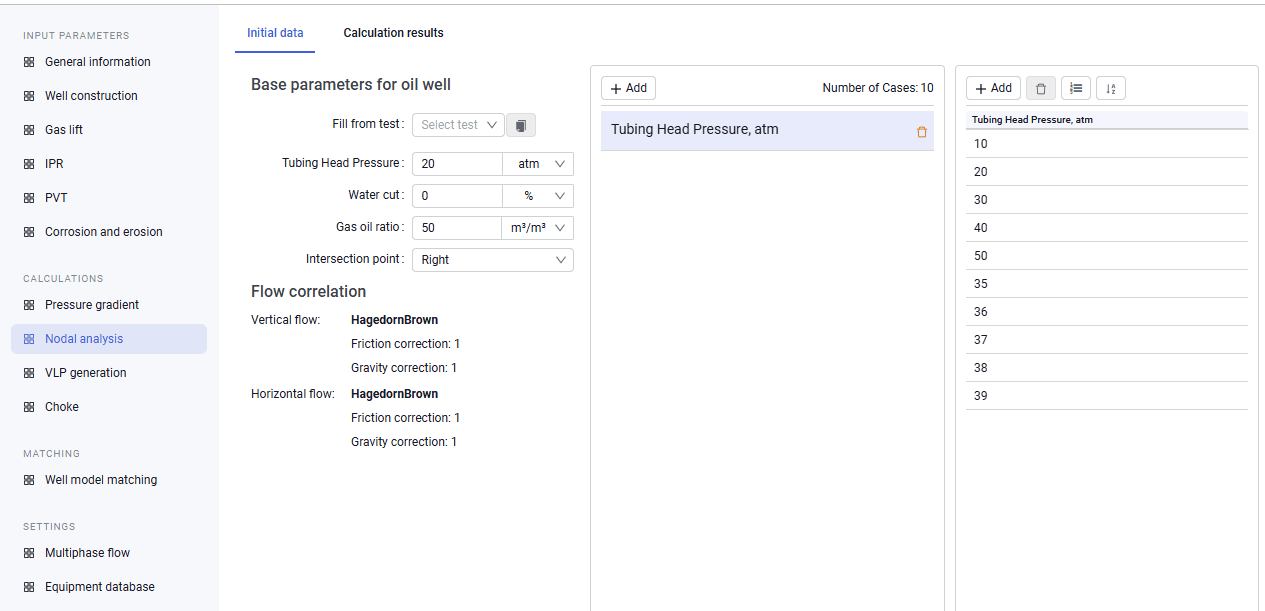
The "Nodal analysis" tab is used to calculate well operating parameters based on the intersection of the IPR and VLP curves.
1.To run the calculation, fill in the following data:
- tubing head pressure;
- water cut;
- gas oil ratio;
- intersection point search. Depending on the selection, the system searches for the right or left intersection point.
2.If any tests were entered on the "Well model matching" tab, you can automatically pull data from a test by clicking "Fill from test" and selecting the target test from the drop-down list.
3.If required, you can add different cases for a calculation series by clicking "Add". After that, you can add or generate a parameter series on the right side of the screen.
 Select image to enlarge
4.To run nodal analysis, click "Perform nodal analysis" in the upper-right corner of the screen. While the calculation is running, the button is inactive, and the lock next to the model name in the model tree becomes pale.
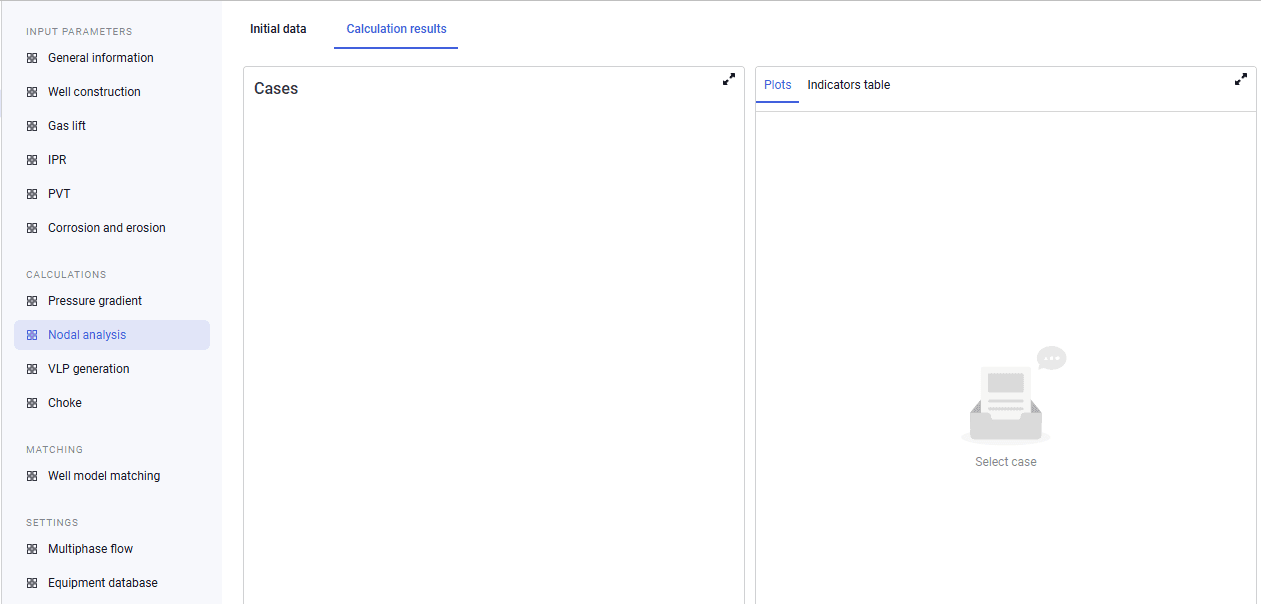
5.Calculation results are shown in table and plot form on the "Calculation results" tab. Table results can be exported to Excel format.
 Select image to enlarge