
Running a forecast calculation (activities case)
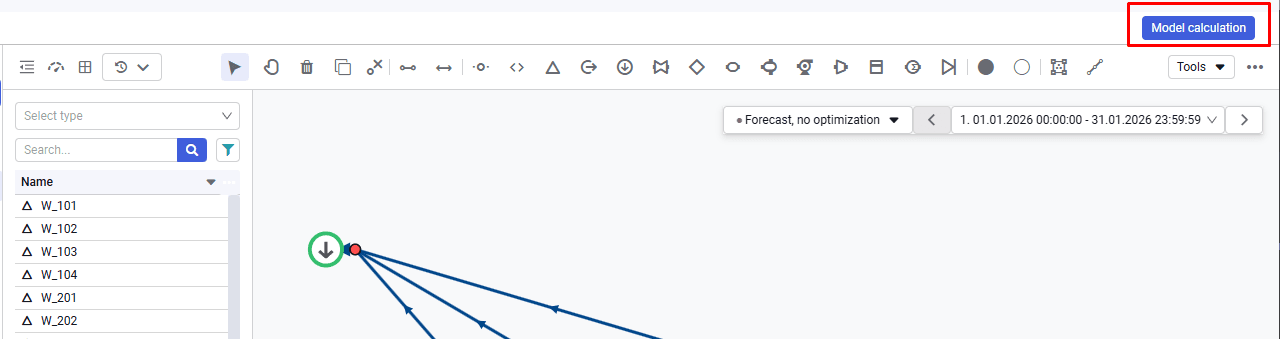
1.To start a forecast calculation, go to the "Model calculation" menu in the upper-right corner of the screen.
 Select image to enlarge
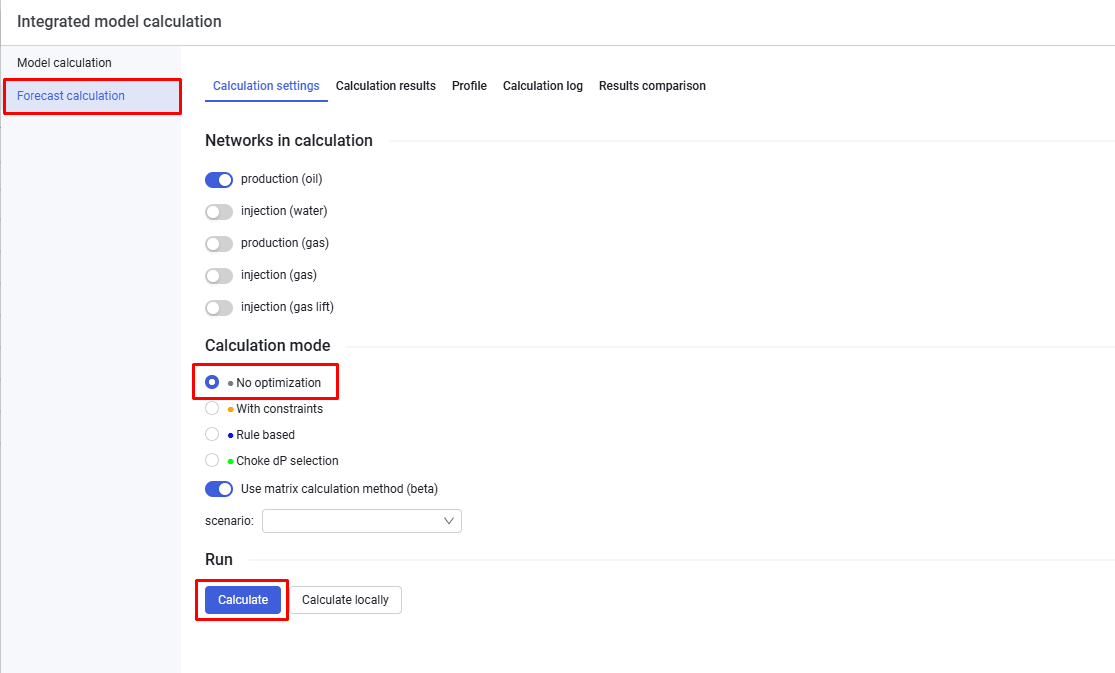
2.Then, on the "Forecast calculation" tab, select the calculation settings, select the "No optimization" option, and click "Calculate".
 Select image to enlarge