
Start Page
The start page opens by default at the beginning of each nv.AIM session.
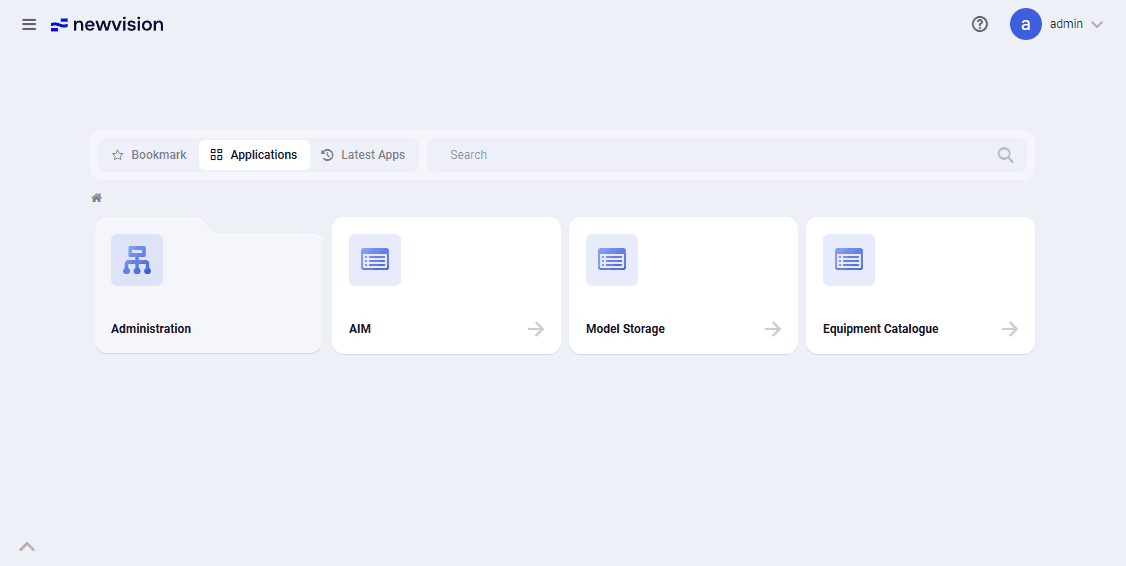 Select image to enlarge
The start page consists of 3 areas:
- Toolbar – provides access to general system settings. For details, see the Toolbar section;
- Start page – a menu display mode in which the user can access the list of applications. For details, see the Start page section;
- Tab bar – lets you switch between open applications. The list of available applications is determined by account settings. When an application is opened, the corresponding tab appears on the tab bar at the bottom of the window. The system lets you open several applications at the same time. The tab of the application you are working with is highlighted on the tab bar with a contrasting fill. For details, see the Tab bar section.