
Emulsions
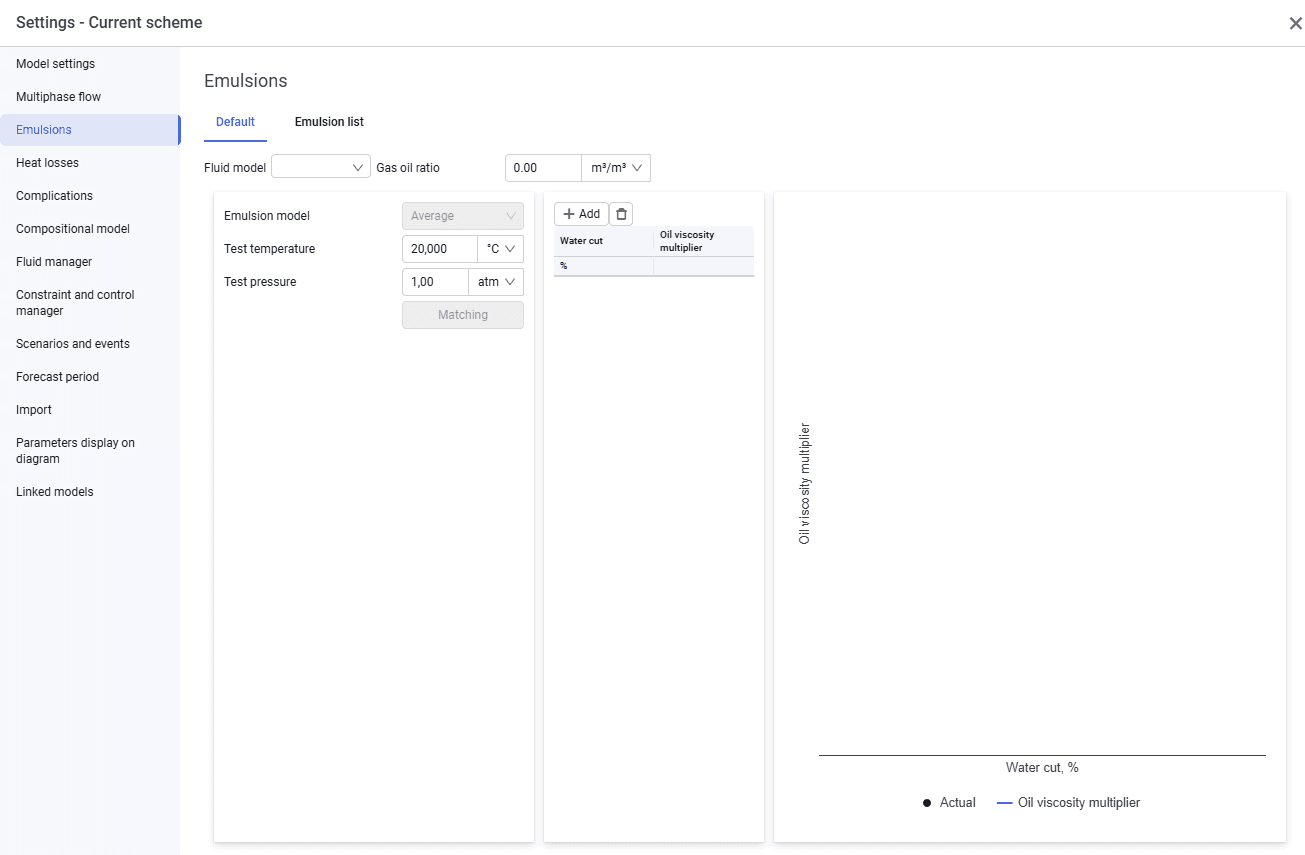
The "Emulsions" tab looks as follows.
 Select image to enlarge
On the "Default" tab, you can specify the emulsion calculation model that will be used by default throughout the system.
Enter the following data:
- fluid model. Select a fluid model from the drop-down list;
- gas oil ratio;
- emulsion model. The model selected by the user on the Multiphase flow tab is selected automatically and cannot be edited;
- input data depending on the selected emulsion model;
- oil viscosity multiplier versus water cut.
This tab also displays a plot of the oil viscosity multiplier versus water cut.
The "Emulsion list" tab looks similar; if required, you can create a set of emulsions with different parameters there.