
Flow Assurance
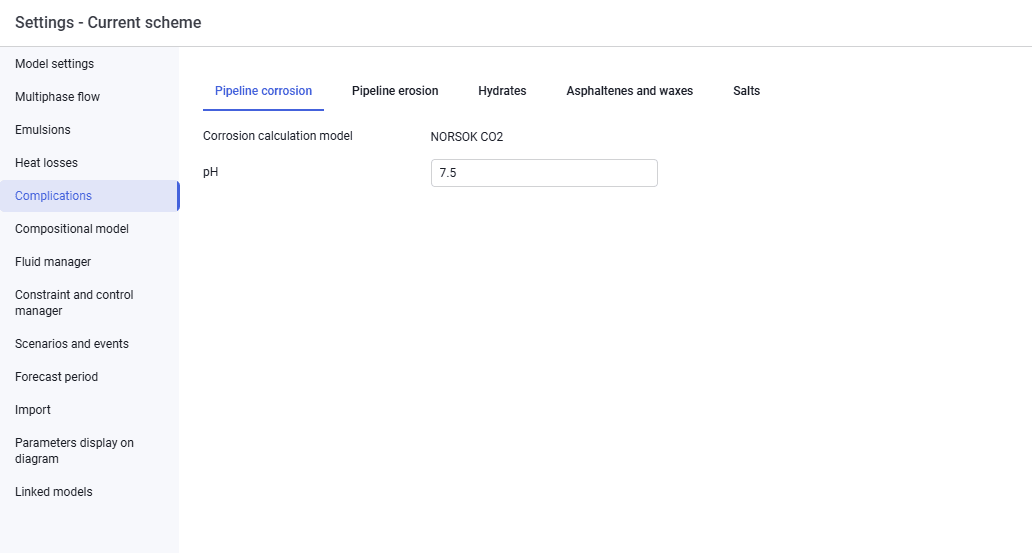
The "Complications" tab looks as follows.
 Select image to enlarge
On the "Pipeline corrosion" tab, enter:
- pH.
 Select image to enlarge
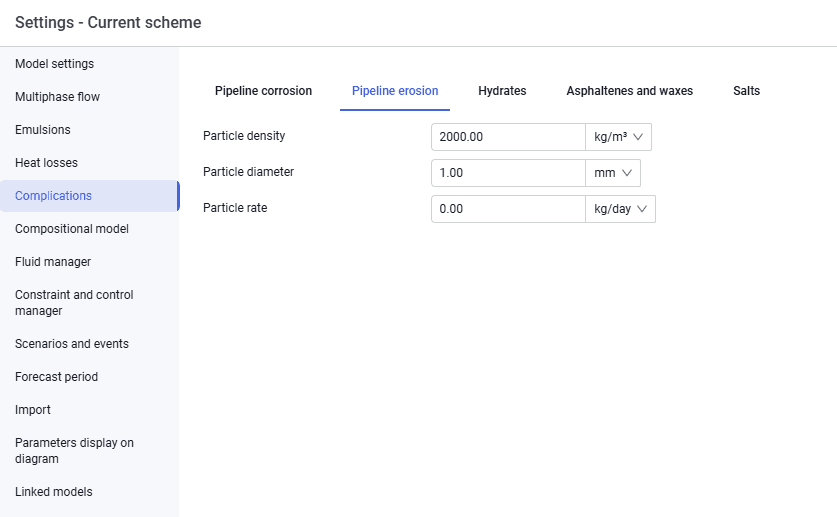
On the "Pipeline erosion" tab, enter:
- particle density;
- particle diameter;
- particle rate.
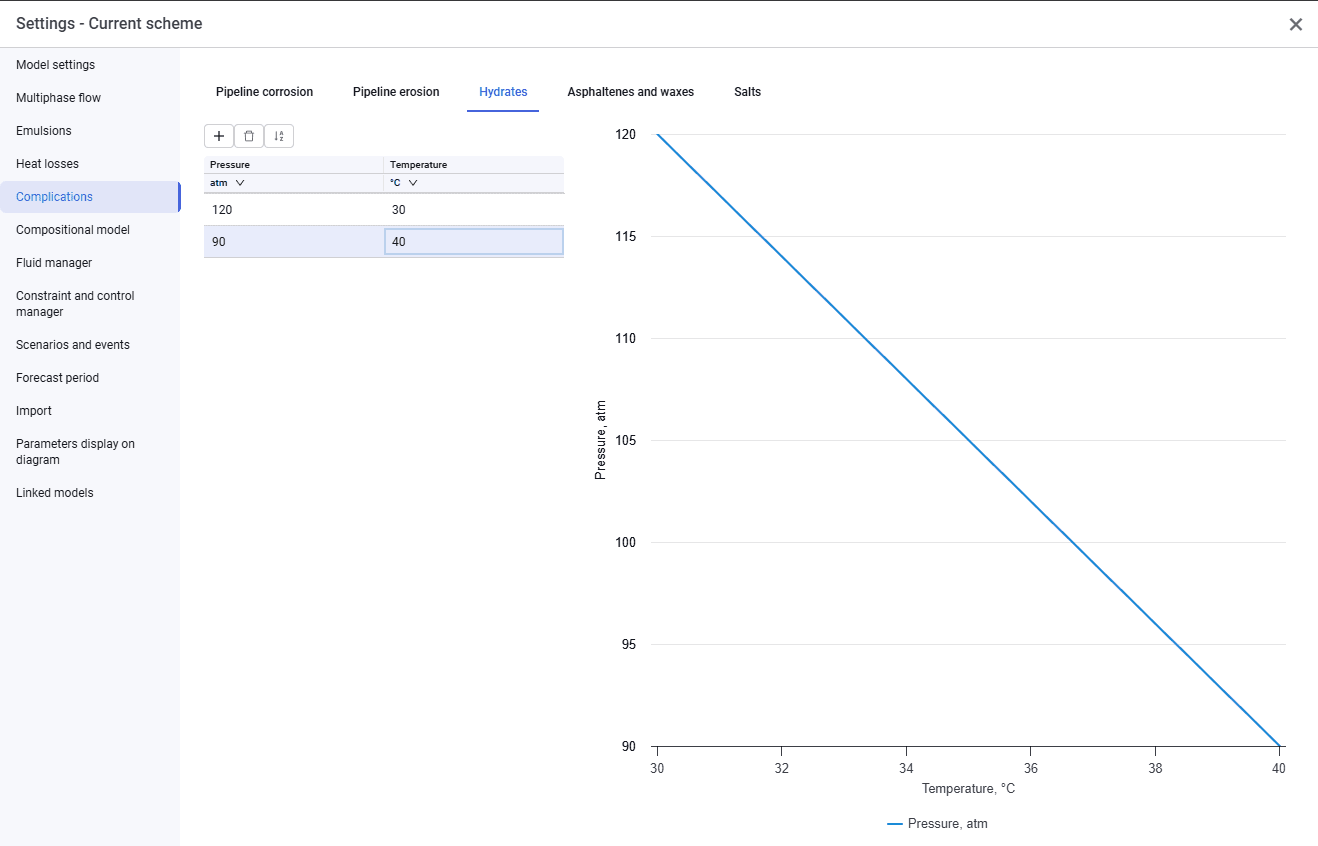
The "Hydrates", "Asphaltenes and waxes", and "Scale" tabs are similar and look as follows.
 Select image to enlarge
To account for complications, enter a deposition curve — a set of pressures and temperatures. The plot of the curve is displayed in the right-hand area.
If the "Hydrates", "Scale", or "Asphaltenes and waxes" tabs are filled in, the pipeline profile in calculations will show a "Yes" or "No" marker depending on the probability of the complication forming.