
Opening a model
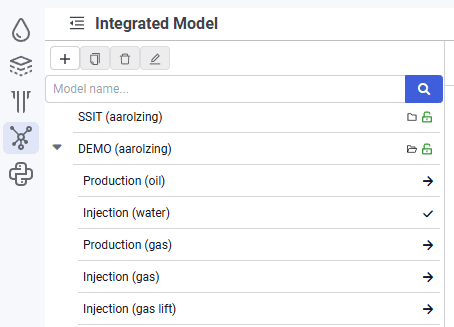
1.To open a model, click the  symbol to the right of the model name in the model tree.
2.The model is open and available for editing (this is indicated by the  symbol to the right of the model name, as well as the login of the user who is currently editing the model).
 Select image to enlarge