
Pipelines
The following sections are available for pipelines:
1.The following sections are available for pipelines:
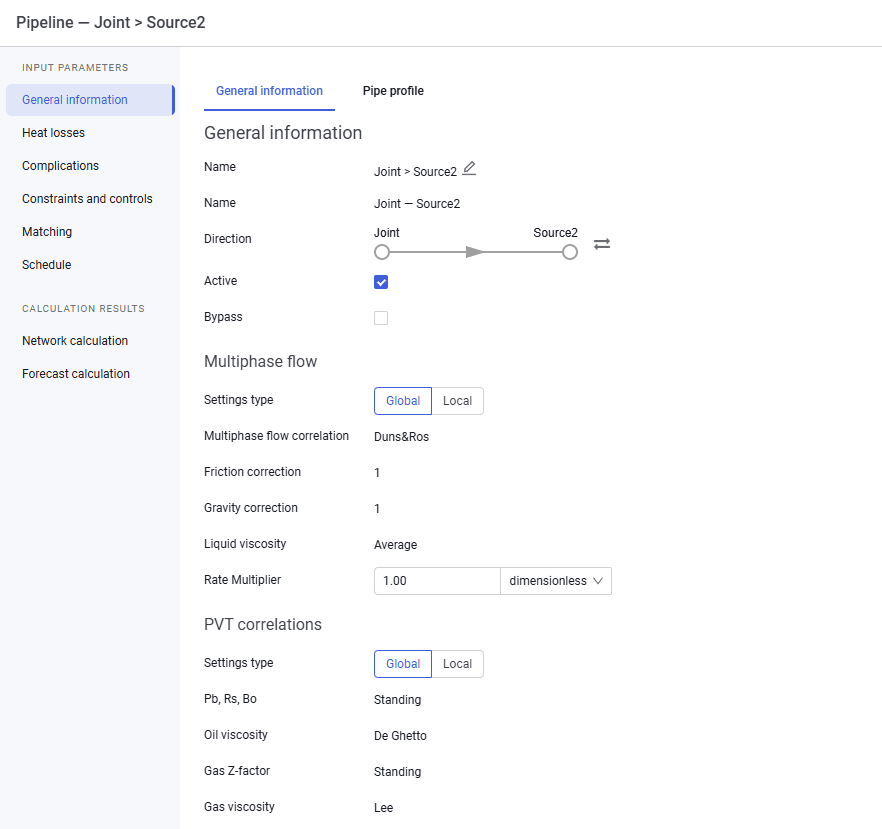
- General information:
- name;
- direction;
- active flag;
- bypass flag;
- multiphase flow settings type. By default, the system "Global" settings are displayed. When "Local" settings are selected, you can change the following parameters: multiphase flow correlation, friction correction, gravity correction, and liquid viscosity;
- PVT correlations. By default, the system "Global" settings are displayed. When "Local" settings are selected, you can change the following parameters: Pb, Rs, Bo correlation, oil viscosity, gas Z-factor, and gas viscosity;
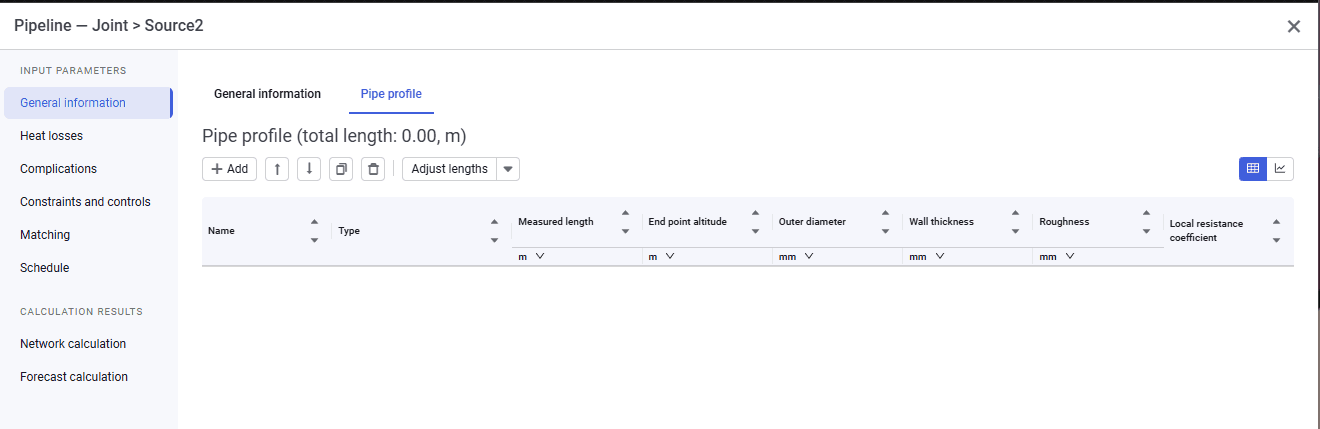
- pipe profile.
 Select image to enlarge
 Select image to enlarge
2.When specifying the pipeline profile, the altitude of the first point is not entered and cannot be adjusted. This is because the system automatically takes the altitude from the object to which the pipeline is connected.
In addition to line pipe objects, you can specify a "Fitting" object. Three fitting models are available:
- manual input. When this model is selected, enter the local resistance coefficient manually;
- mitre bend. When this model is selected, enter the deflection angle and inner diameter. The local resistance coefficient is calculated automatically;
- 90° bend. When this model is selected, enter the number of bends, relative radius, and inner diameter. The local resistance coefficient is calculated automatically.
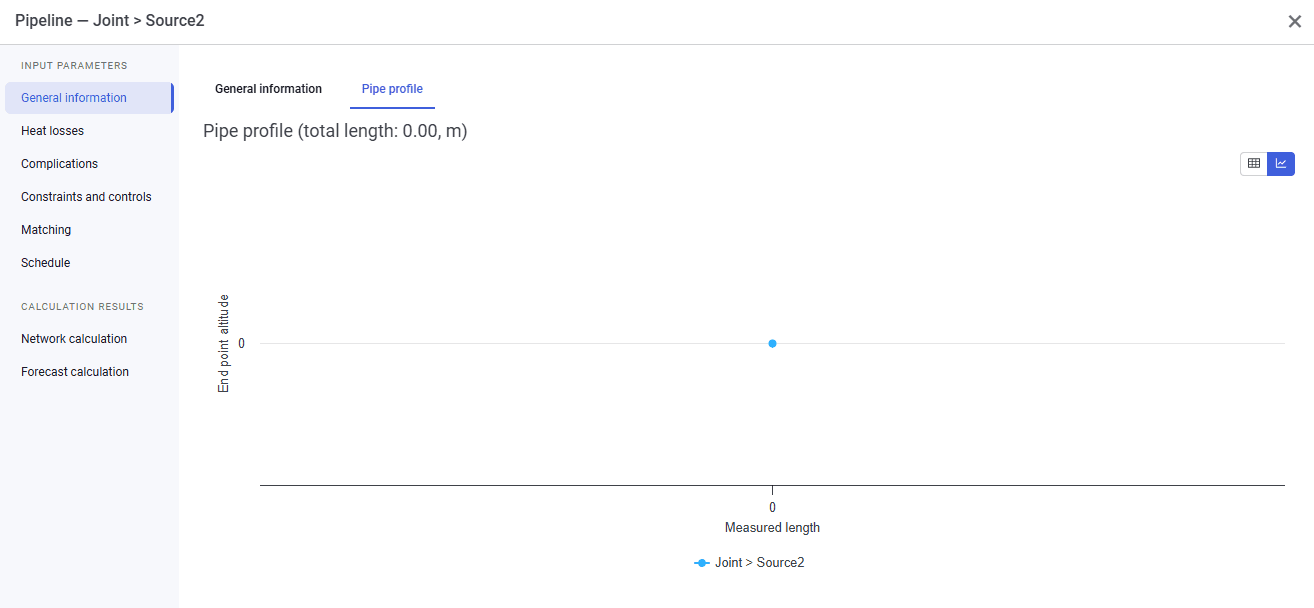
3.The pipeline profile can be viewed graphically.
 Select image to enlarge
4.After filling in the data, you can click the cross in the upper-right corner of the window.