
SRP
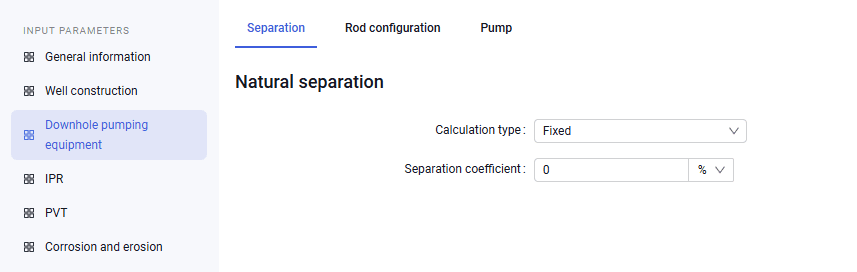
1.On the "Separation" tab you can enter separation data:
- calculation type;
- separation coefficient.
 Select image to enlarge
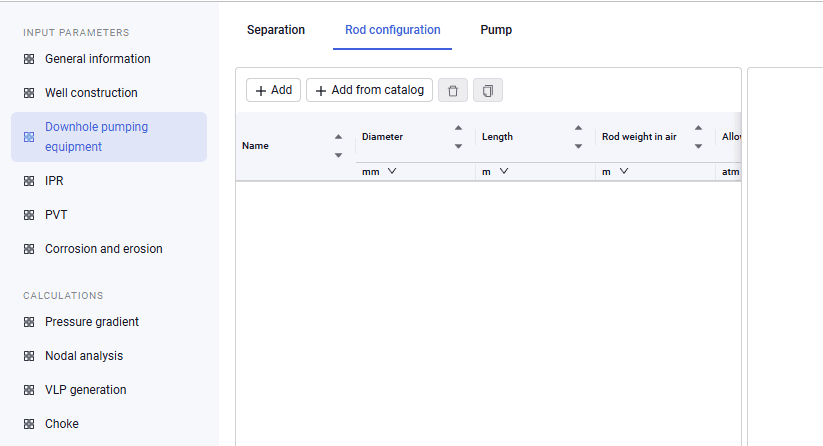
2.On the "Rod configuration" tab you can enter rod parameters:
- name;
- diameter;
- length;
- rod weight in air;
- allowable stress;
- elasticity;
- density;
- Young's modulus.
| You can also add ready-made rods from the global or local equipment catalog. When rods are added from the global equipment catalog, they are copied to the local catalog. |
 Select image to enlarge
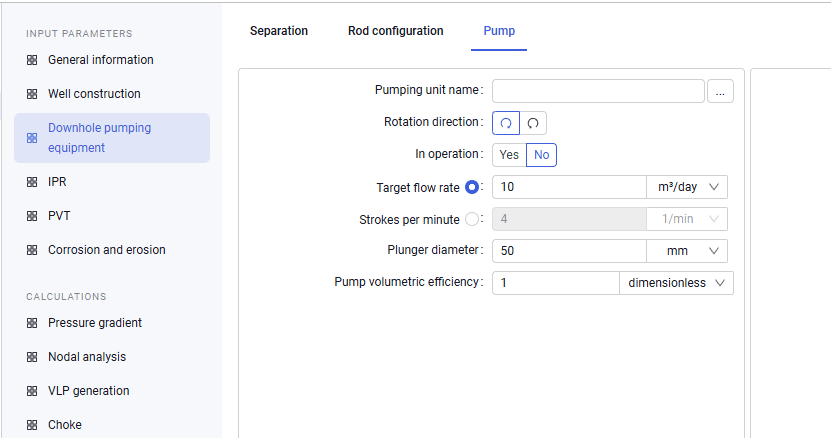
3.On the "Pump" tab you must add a pumping unit from the global or local equipment catalog, select the crank rotation direction, select the calculation mode (specify the target flow rate or the number of polished-rod strokes per minute), plunger diameter, and pump volumetric efficiency.
 Select image to enlarge