
Pressure gradient
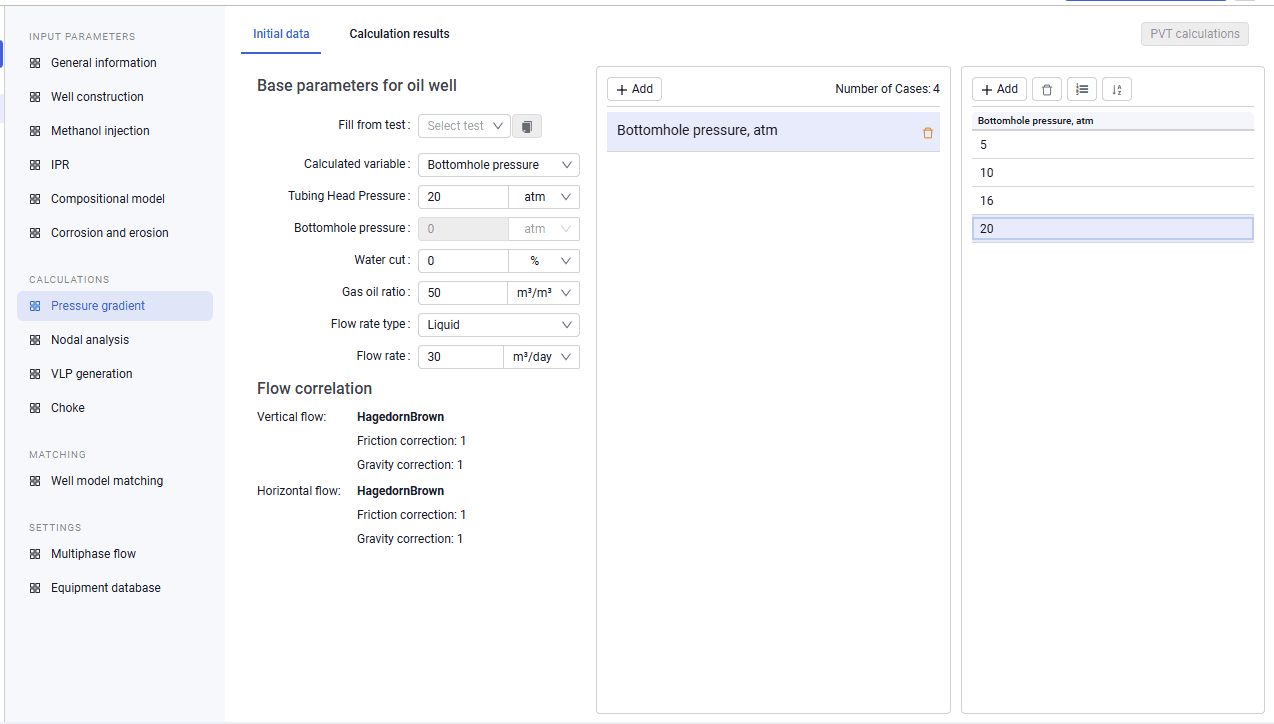
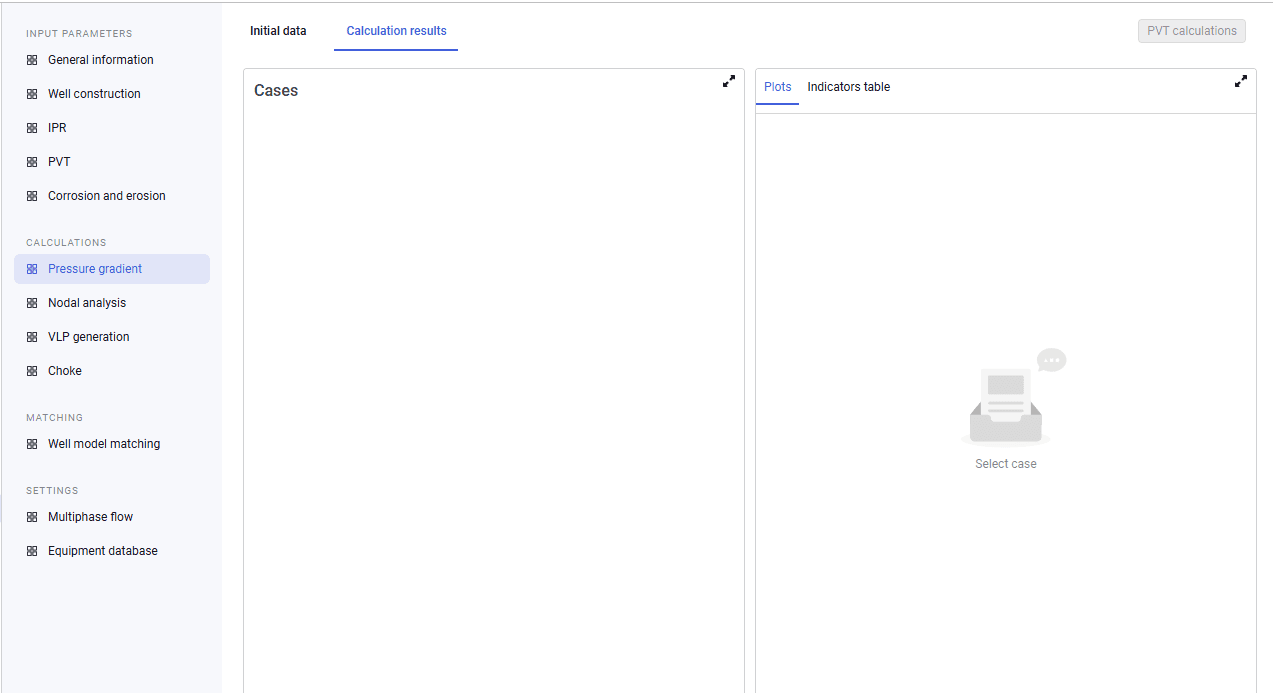
On this tab you can calculate the pressure gradient, including for different parameter sets, and view the calculation results. To run the calculation, select the calculated variable and enter tubing head or bottomhole pressure (depending on the selected calculated variable), water cut, gas oil ratio, flow rate type, and flow rate.
The tab also shows flow correlation information (the selected correlations for vertical and horizontal flow and the friction and gravity corrections). You can additionally enter a set of parameter values for which the pressure gradient must be calculated.
 Select image to enlarge
 Select image to enlarge
When the Fully Compositional equation of state type is selected ("Input parameters" module, Well settings) and after you select a calculated case, the "PVT calculations" option becomes available. In this window you can run a set of PVT calculations: composition recast to a target GOR, phase equilibrium calculation along the well profile, and building a phase diagram and hydrate and wax deposition lines. Calculation results can be viewed in table and plot form.