
Main Menu
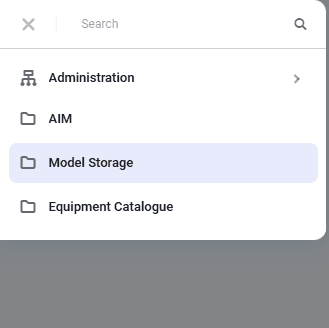
The main menu contains a list of all available modules and applications, as well as a search field for finding the required application.
To open the main menu panel, click the "Main menu" button in the upper-left corner of the window.
 Select image to enlarge
In the nv.AIM menu, applications are logically grouped into modules — the top-level menu items. Some applications can also act as a "catalog" for grouping other applications.
To find a module or application by name, in the search box at the top of the menu enter the name or any part of the name of the required module or application. Search results are displayed under the input field automatically as you type the query.
To hide the main menu panel, click "Main menu" again.