
Allowing clipboard access in the browser
To ensure that copy and paste functions work correctly in the browser, perform the following actions:
In the address bar, enter chrome://flags for Google Chrome, or browser://flags/ for Yandex Browser.
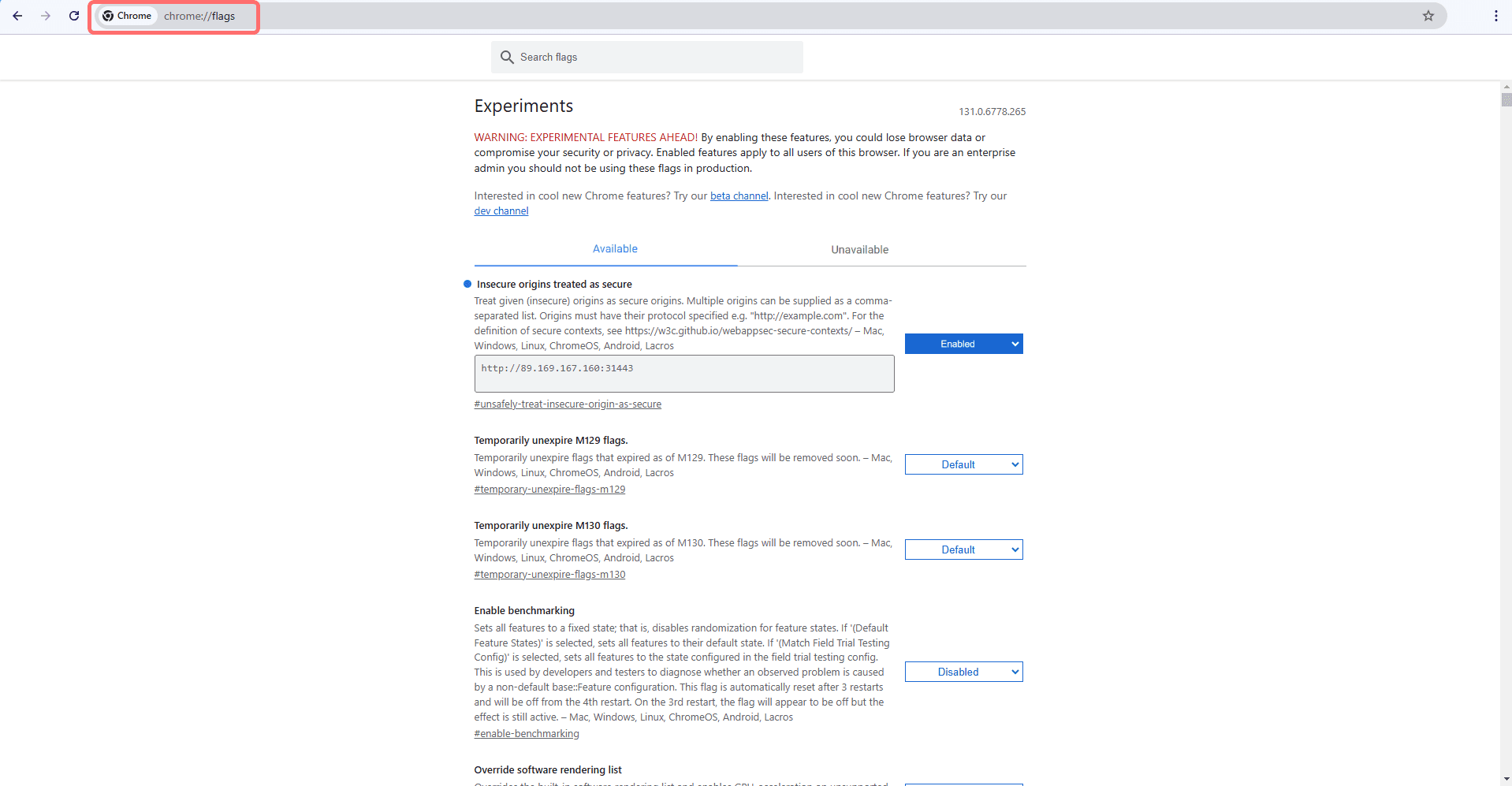 Select image to enlarge
Next, in the Insecure origins treated as secure option, select Enabled.
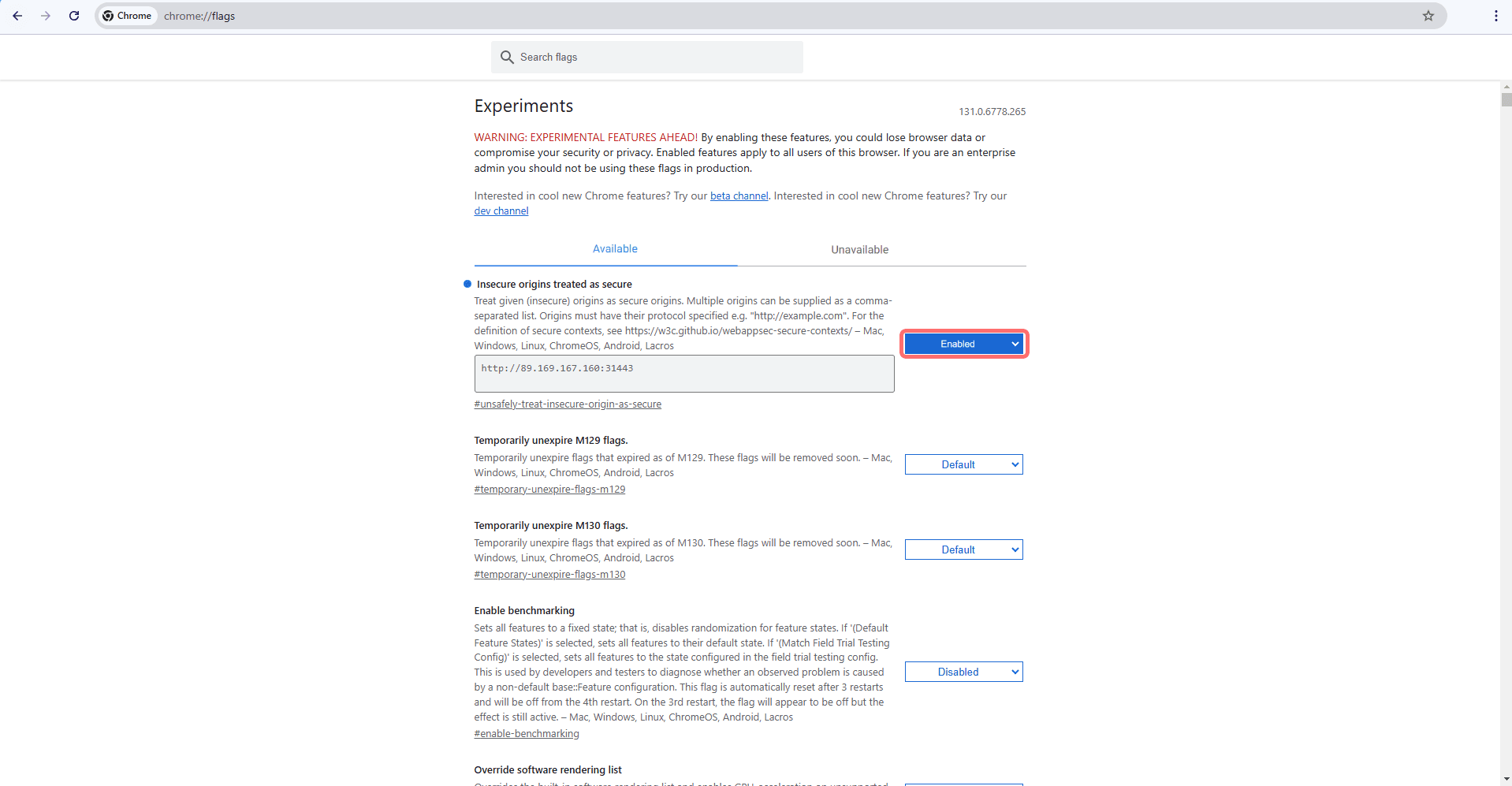 Select image to enlarge
In the field, enter the stand address for which clipboard interaction must be allowed.
After these actions, restart the browser; copy and paste using keyboard shortcuts will then work.